


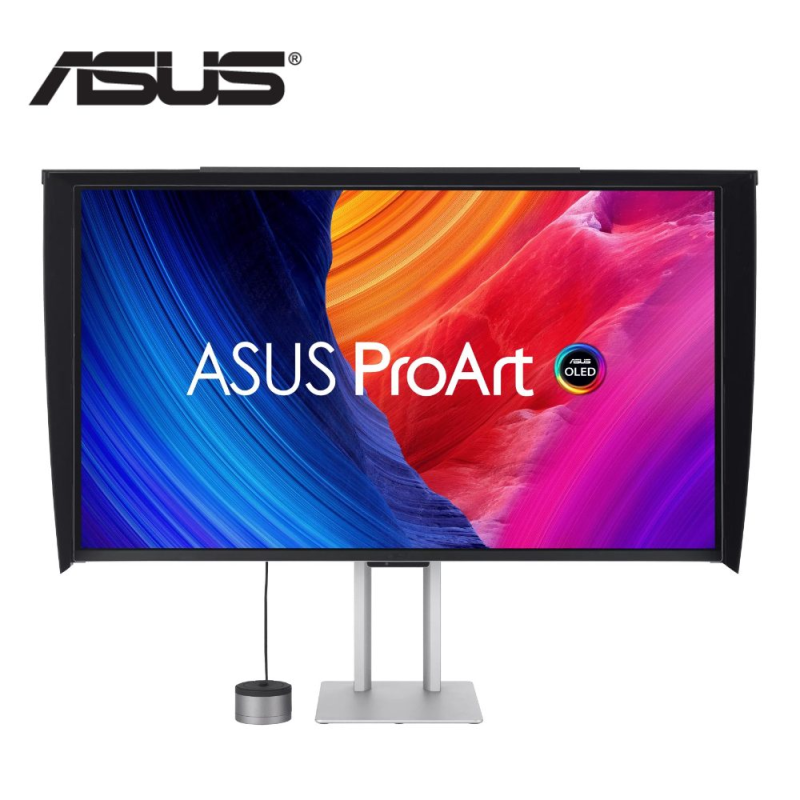
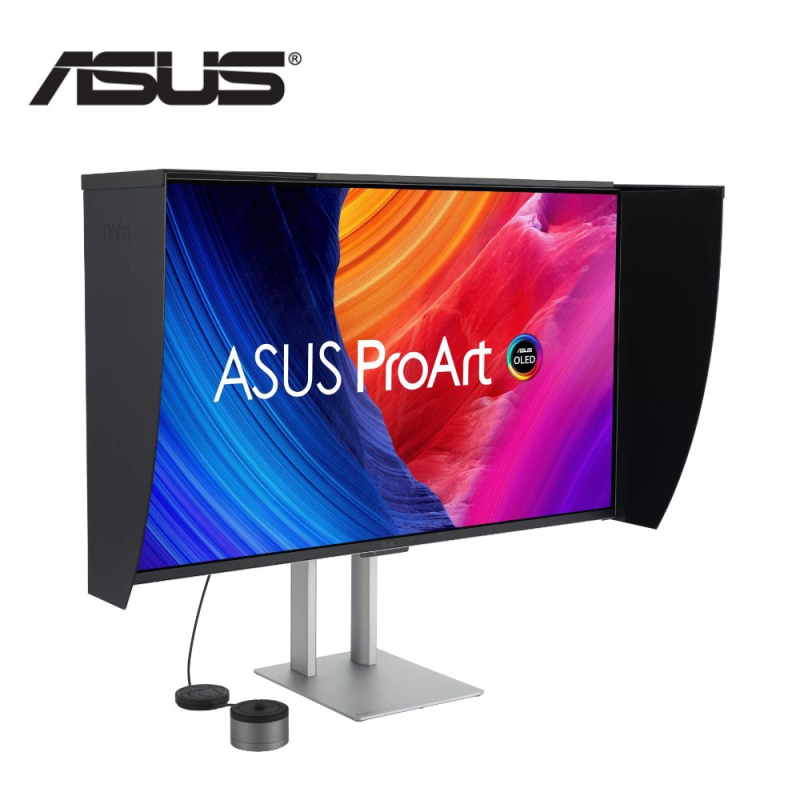
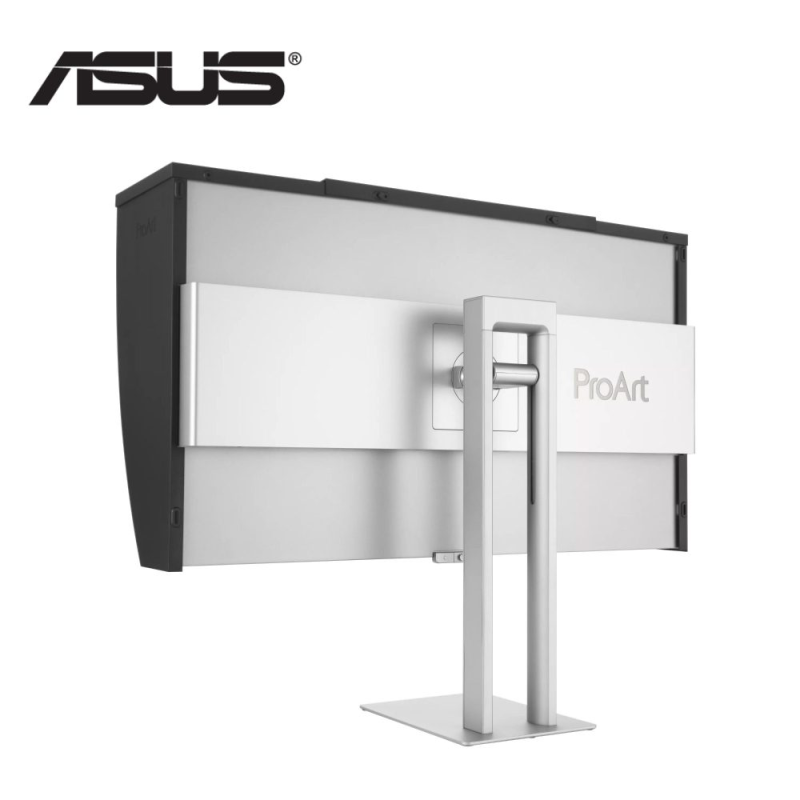
ASUS ProArt PA32UCDMR-K 31.5-inch 4K 240Hz QD-OLED Monitor
- Regular price
- RM 9,719.00
- Sale price
- RM 9,719.00
- Regular price
-
RM 0.00

Nationwide shipping

Up to 5 Years Warranty

Aftersales & Warranty Support

Instalment With sPaylater or Aeon Credit
Share
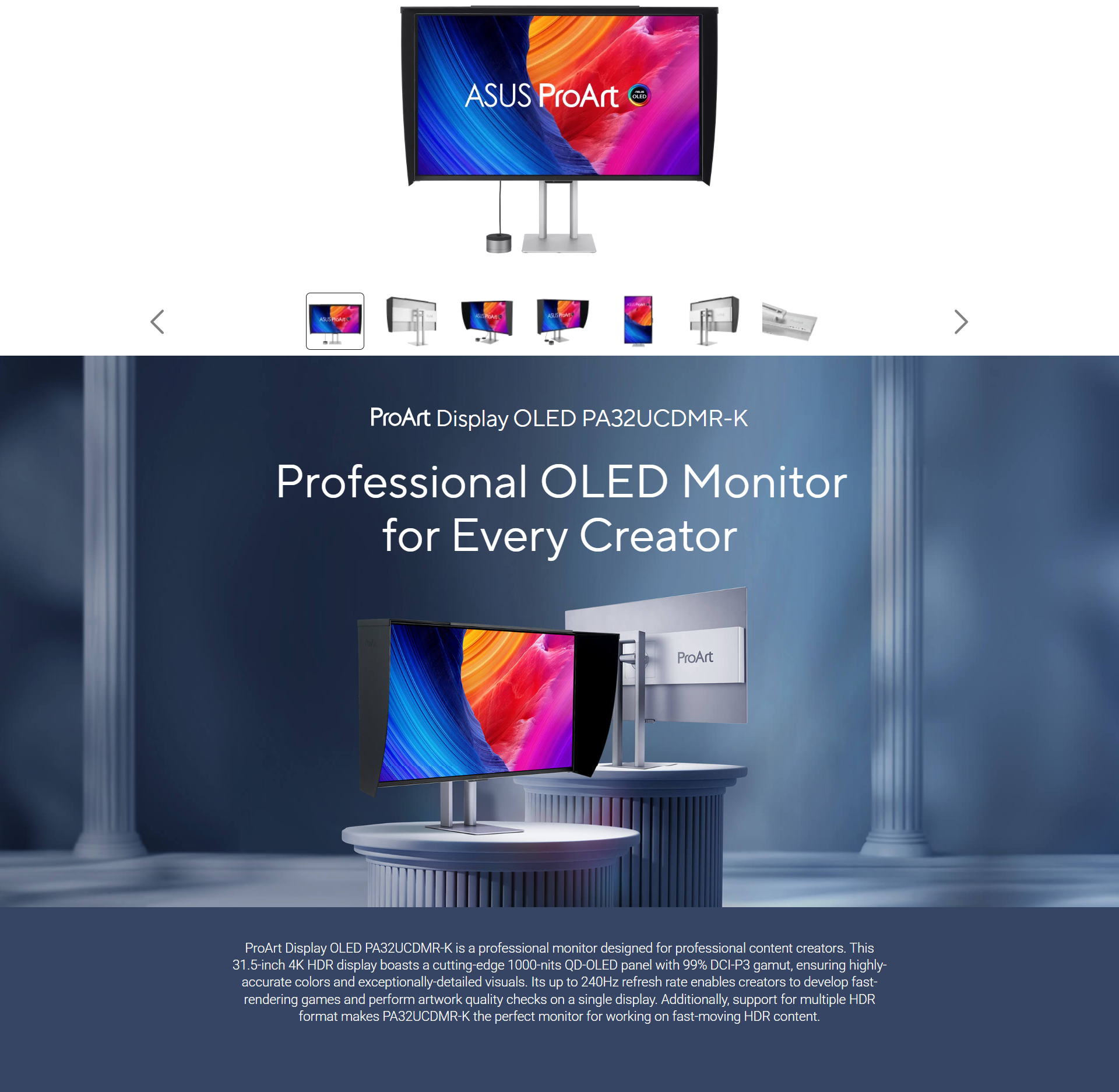
A 31.5-inch 4K workspace for grading and finishing
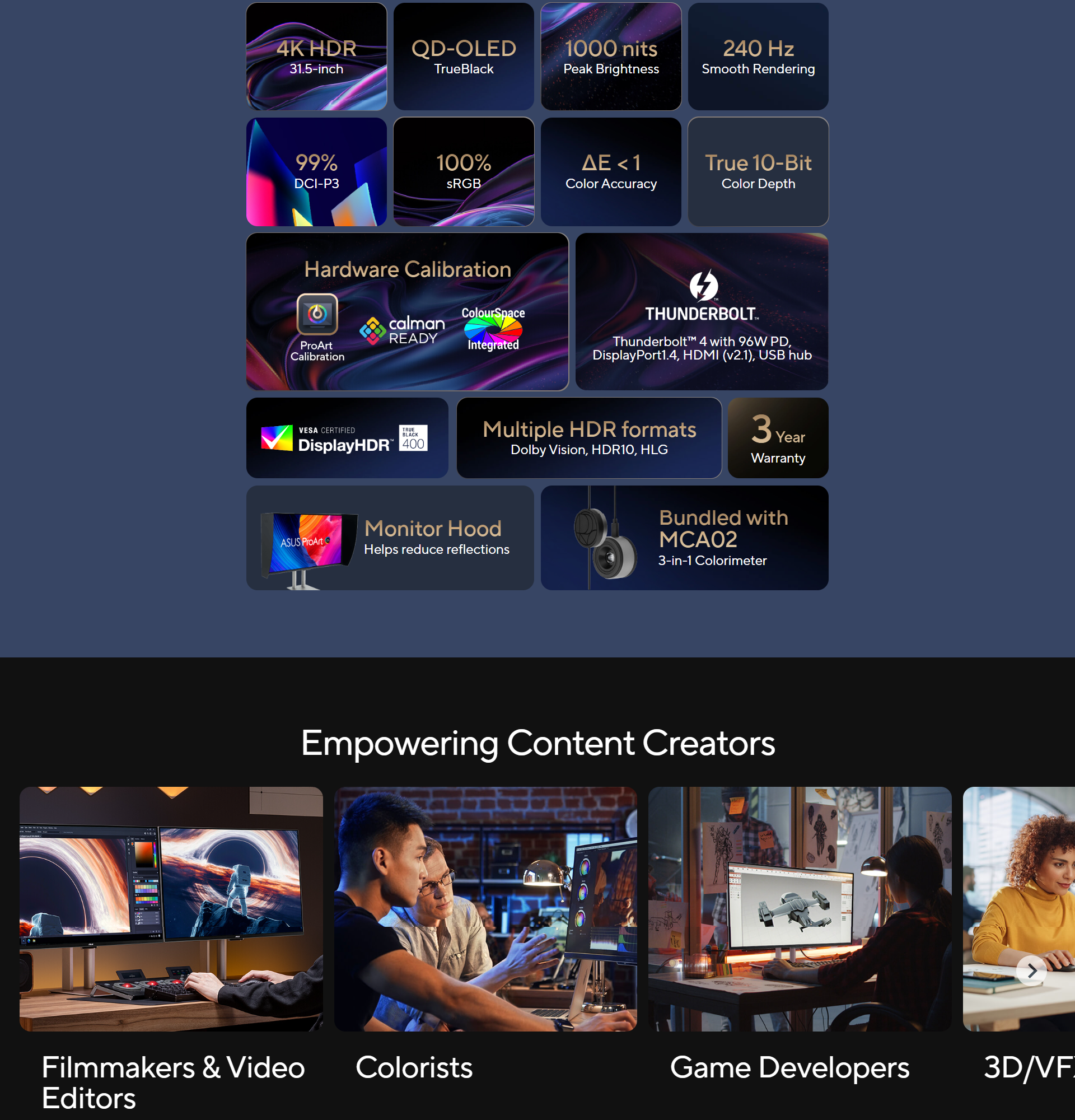
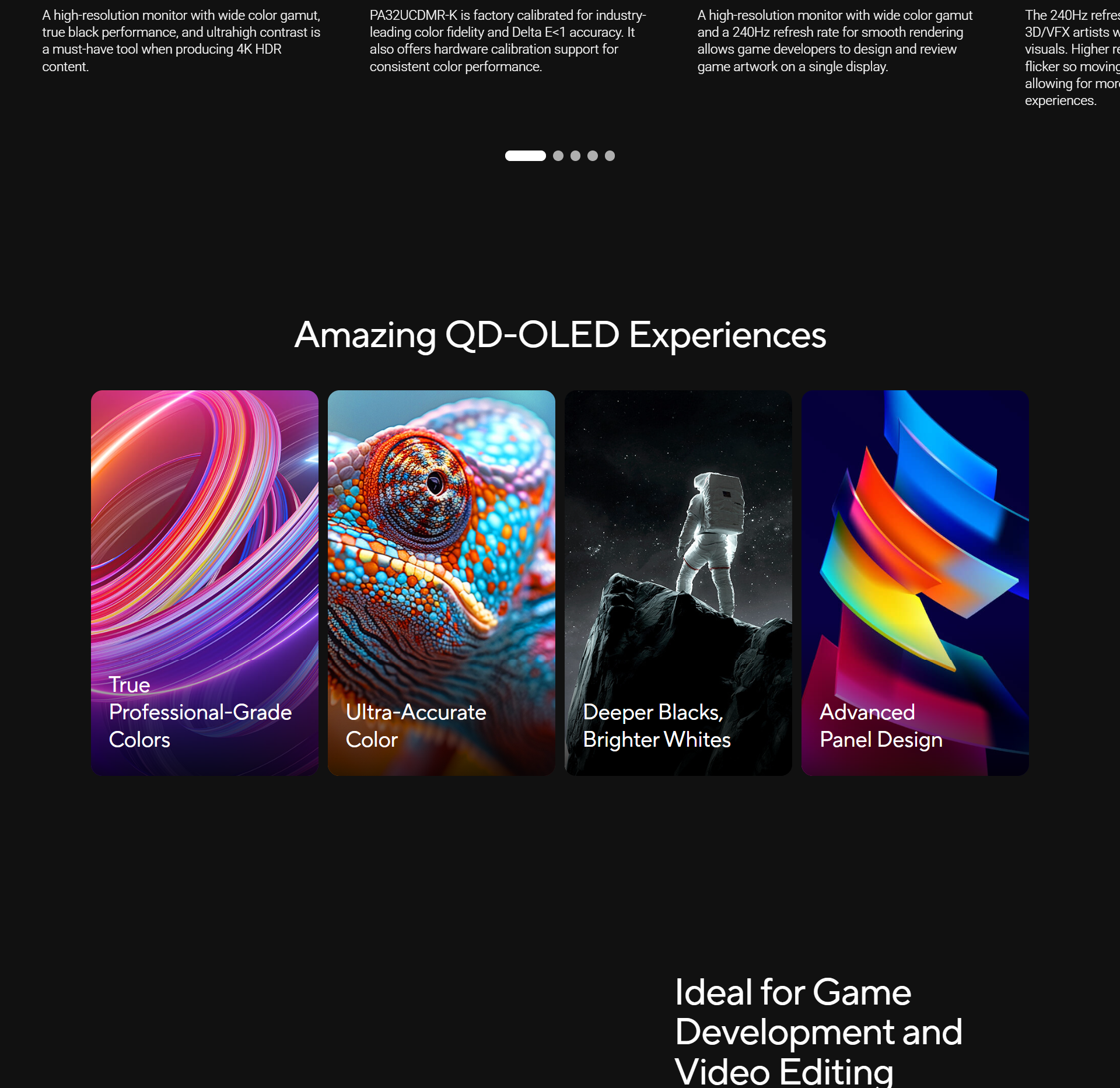
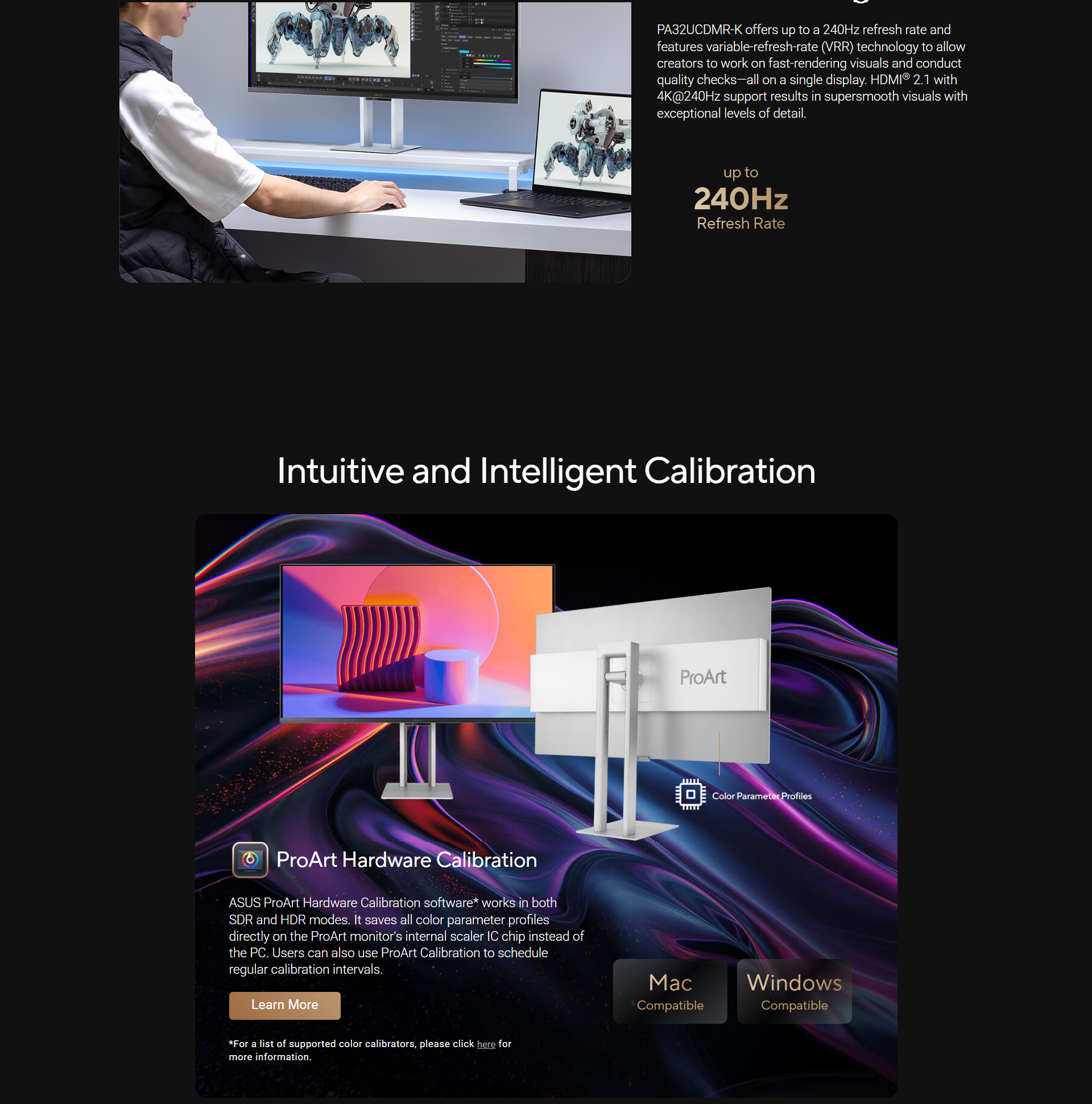
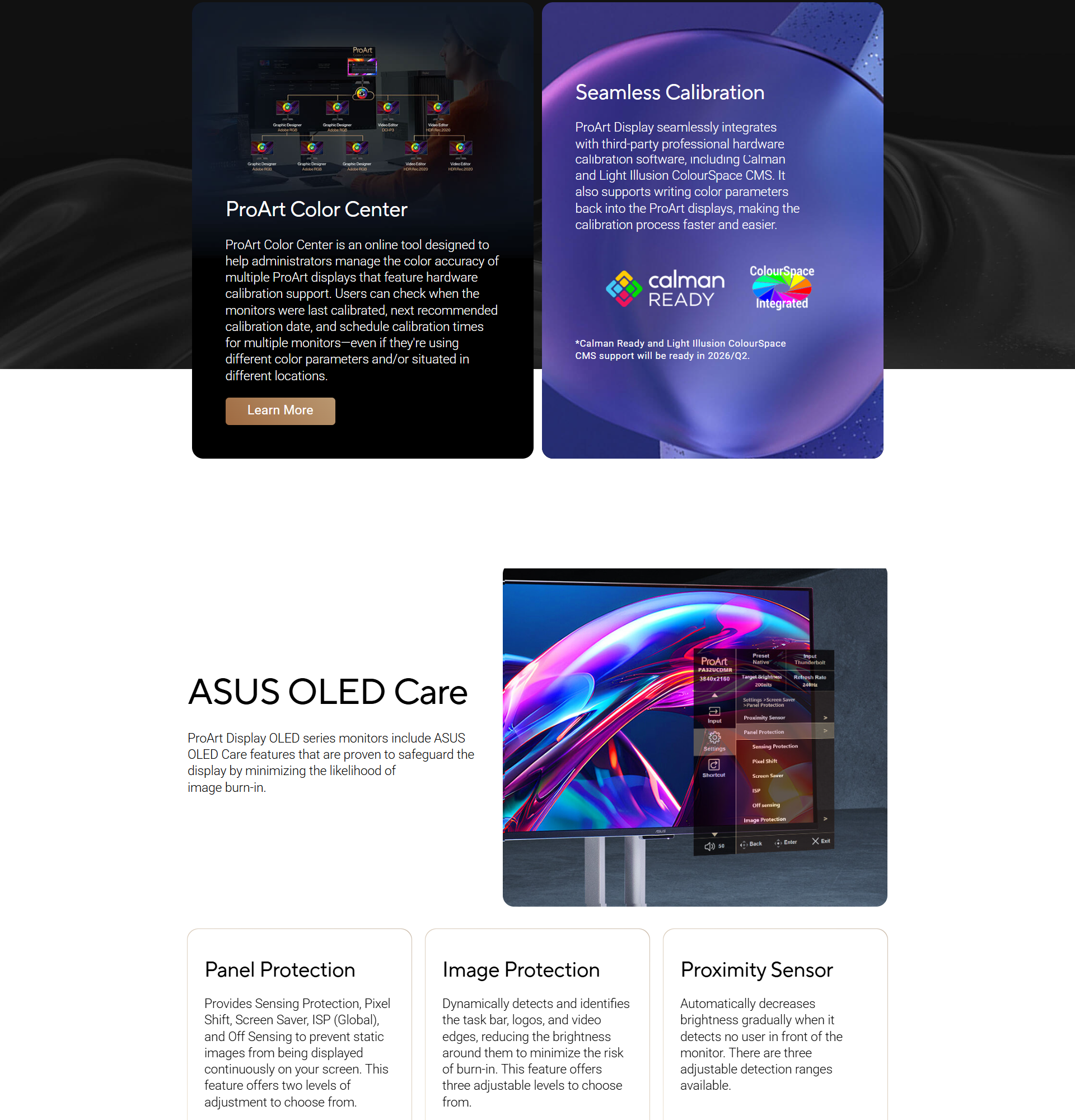
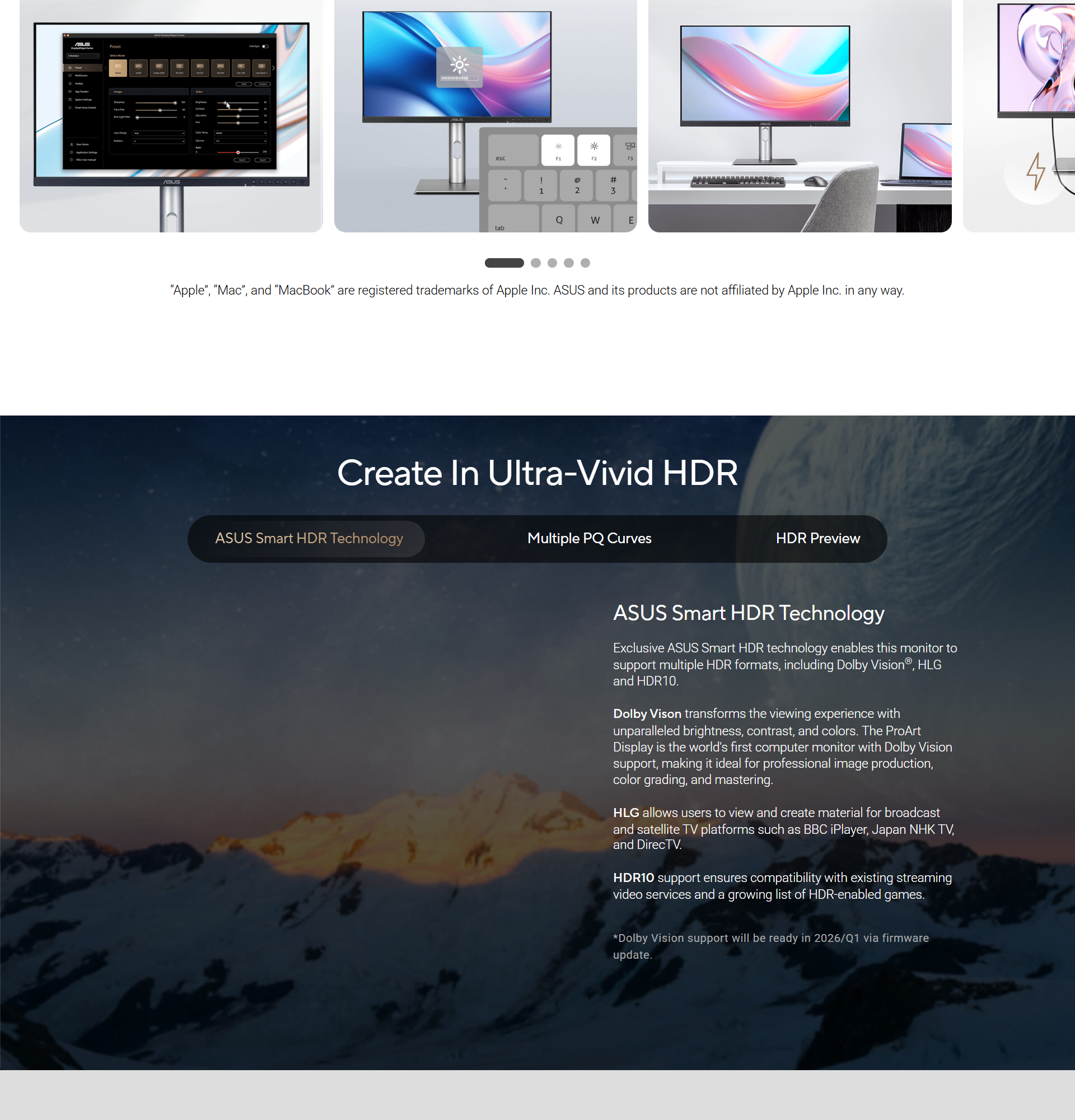
Review timelines and reference material on a 3840 × 2160 anti-reflection QD-OLED panel with 99% DCI-P3 coverage. ASUS ProArt hardware calibration and HDR presets support colour-managed workflows.
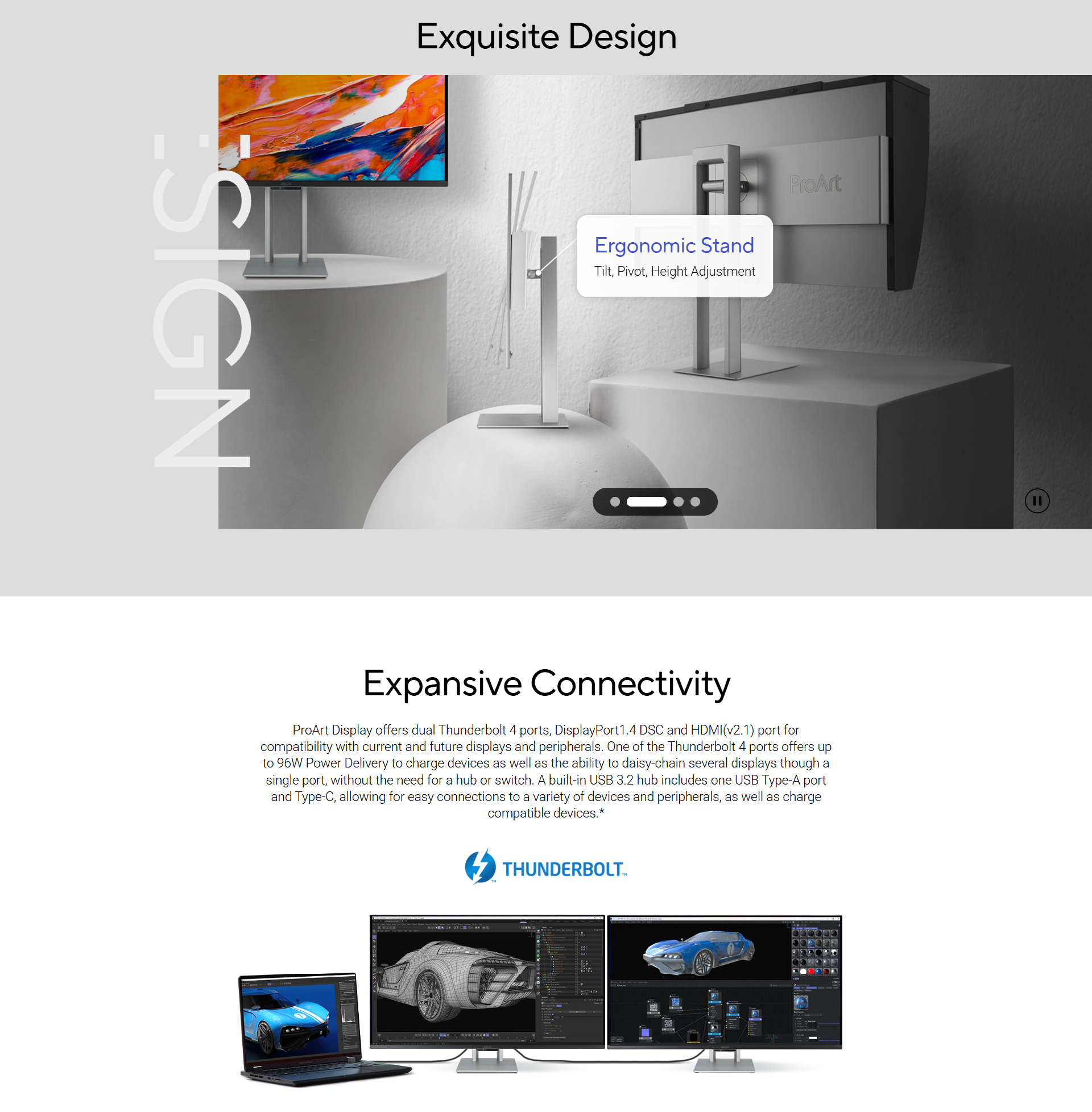
Use the Thunderbolt 4 daisy-chain ports or connect over DisplayPort or HDMI. A compatible laptop can draw up to 96 W over the display connection.
Best For: Colour grading · photo editing · video finishing · design reviews · multi-monitor creative desks
DETAIL SPECIFICATION
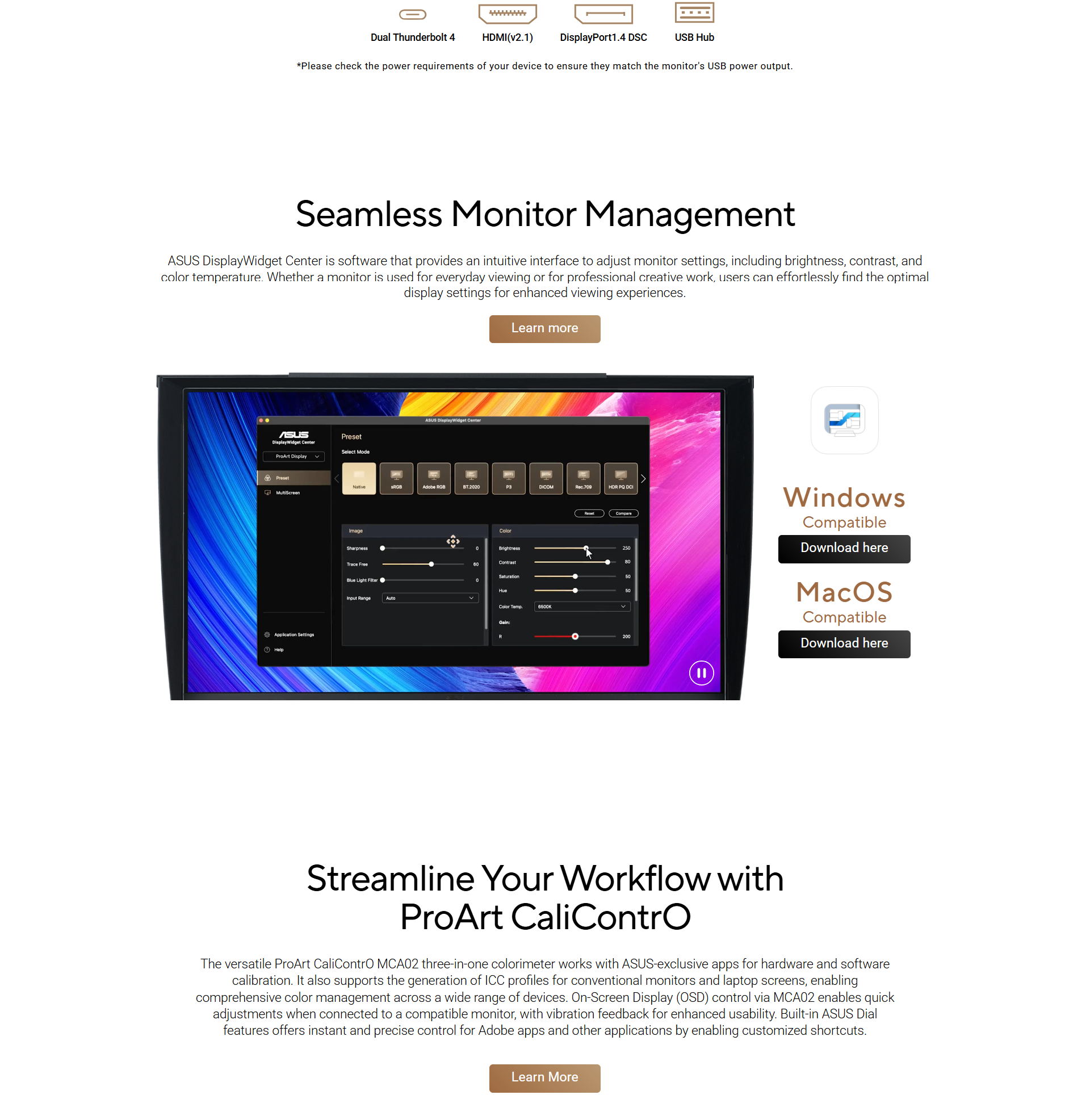
| Product Features | ProArt Preset : CAL 3 CAL 2 CAL 1 Dolby Vision HDR_HLG_P3 HDR_HLG_BT.2020 HDR_PQ_BT.2020 HDR_PQ_P3 DICOM BT.2020 P3 Adobe RGB BT.709 sRGB Native Color Temp. Selection : Yes (5 modes) Color Adjustment : RGB Tuning (Gain / Offset) Gamma Adjustment : Yes (Support Gamma 1.8/2.0/2.2/2.4/2.6) Auto Rotation:Yes, supported by DisplayWidget Center Color Accuracy : △E< 1 ASUS ProArt Hardware Calibration : Yes ProArt Palette : Yes QuickFit Plus : Yes PIP / PBP Technology : Yes HDCP : Yes, 2.3 VRR Technology : Yes (Adaptive-Sync) HDR Preview : Yes DisplayWidget : Yes, DisplayWidget Center Low Blue Light : Yes Multiple HDR Mode : Yes ASUS Power Sync : Yes |
|---|---|
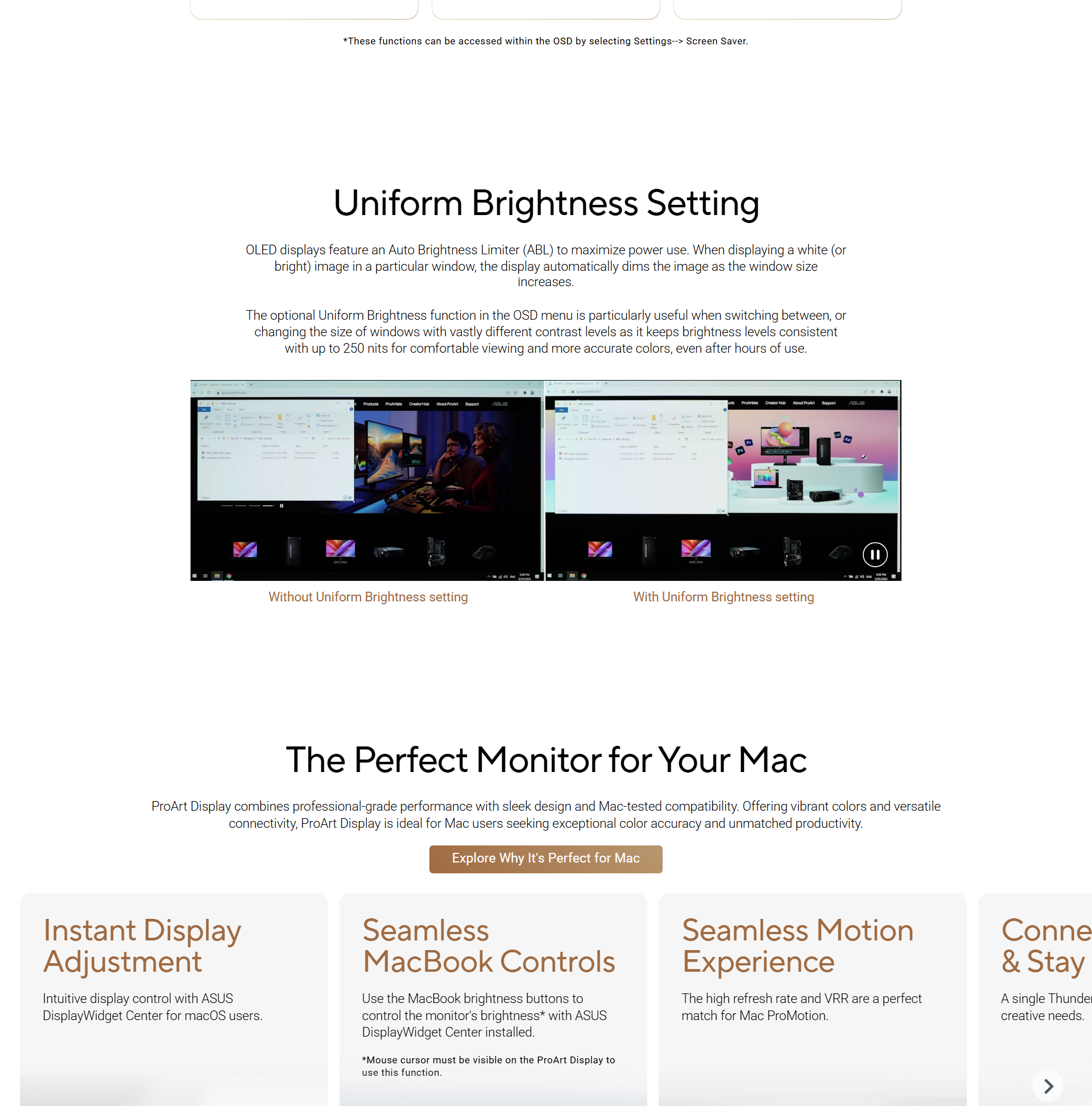
| Display Screen / Design / Resolution | Panel Size (inch) : 31.5 Pixels Per Inch (PPI) : 140 Aspect Ratio : 16:9 Display Viewing Area (H x V) : 699.48 x 394.73 mm Display Surface : Anti-Reflection Panel Type : QD-OLED Viewing Angle (CR≧10, H/V) : 178°/ 178° Pixel Pitch : 0.182mm Resolution : 3840x2160 Color Space (sRGB) : 100% Color Space (DCI-P3) : 99% Brightness (HDR, Peak) : 1,000 cd/㎡ Brightness (Typ.) : 250cd/㎡ Contrast Ratio (HDR, Max) : 1,500,000:1 Contrast Ratio (Typ.) : 1,500,000:1 Display Colors : 1073.7M (10 bit) Response Time : 0.1ms(GTG) Refresh Rate (Max) : 240Hz HDR (High Dynamic Range) Support : Dolby Vision HLG HDR10 Flicker-free : Yes ASUS OLED Care : Yes, Screen Saver |
| Audio & Video | Speaker : Yes(3Wx2) |
| Interface | Thunderbolt 4 x 2 (Daisy Chain) DisplayPort 1.4 DSC x 1 HDMI(v2.1) x 1 (FRL) USB Hub : 1x USB 3.2 Gen 2 Type-C 1x USB 3.2 Gen 2 Type-A USB-C Power Delivery : 96W |
| Functions | Tilt : Yes (+20° ~ -5°) Pivot : Yes (+90° ~ -90°) Height Adjustment : 0~130mm Ambient Light Sensor : Yes Proximity Sensor : Yes VESA Wall Mounting : 100x100mm Kensington Lock : Yes |
| Dimensions | Phys. Dimension (W x H x D) : 71.73 x 60.25 x 22.80 cm (28.24" x 23.72" x 8.98") Phys. Dimension without Stand (W x H x D) : 71.73 x 42.23 x 4.24 cm (28.24" x 16.63" x 1.67") Box Dimension (W x H x D) : 82.0 x 57.7 x 28.2 cm (32.28" x 22.72" x 11.10") |
| Weight | Net Weight : 9.2 kg (20.28 lbs) Net Weight without Stand : 6.7 kg (14.77 lbs) Gross Weight : 18.0 kg (39.68 lbs) |
| Remark | 3 Years Asus Warranty |
TECHNICAL FEATURES
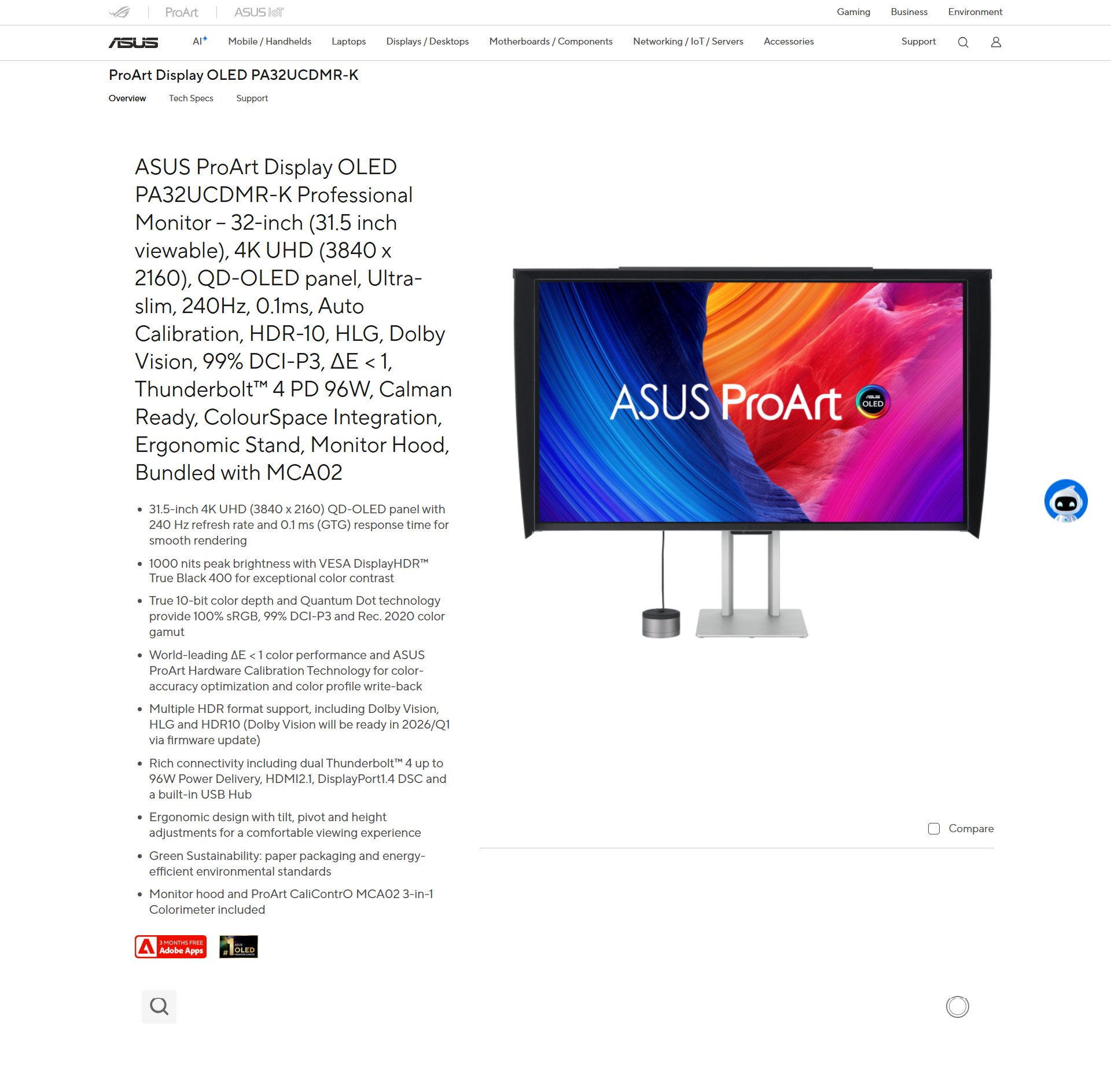
Technical Conclusion
- Display & Panel: QD-OLED is the specified panel technology. Use the stated brightness and panel details to assess placement and lighting.
- Resolution: The 3840x2160 display determines the amount of workspace available at a given scaling setting.
- Refresh Rate & Response: The specification lists 240Hz. Check the full input and operating-mode details before selecting settings.
- Connectivity: Match the monitor inputs in the table to the outputs on your computer or dock.
- Mounting / Ergonomics: Use the listed adjustment or mounting features to plan your desk and viewing position.
- Overall Positioning: A desktop display for arranging creative tools and reviewing visual work. It is well suited to creative work and photo review.
Suitable For
- Creative work: Choose this display when this is the main use at your workstation.
- Photo review: Keep this work in view while using your main apps and controls.
- Video timelines: Match the screen size and supported connections to the space and equipment you use.
- Design layouts: Use the stated display and setup features to plan a comfortable working position.
Customer Reviews
0 / 5
Total 0 Ratings