


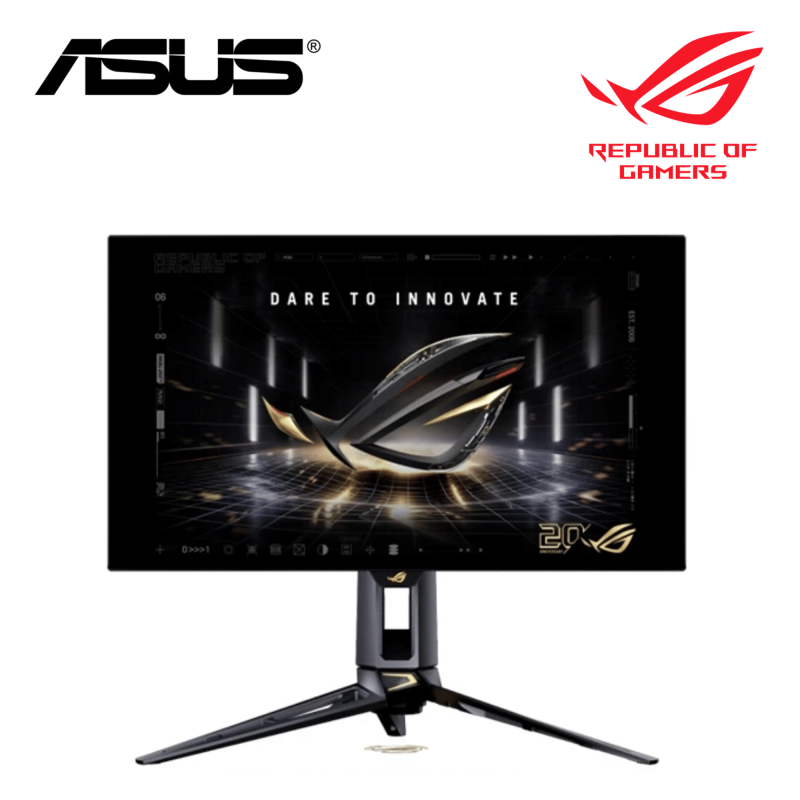
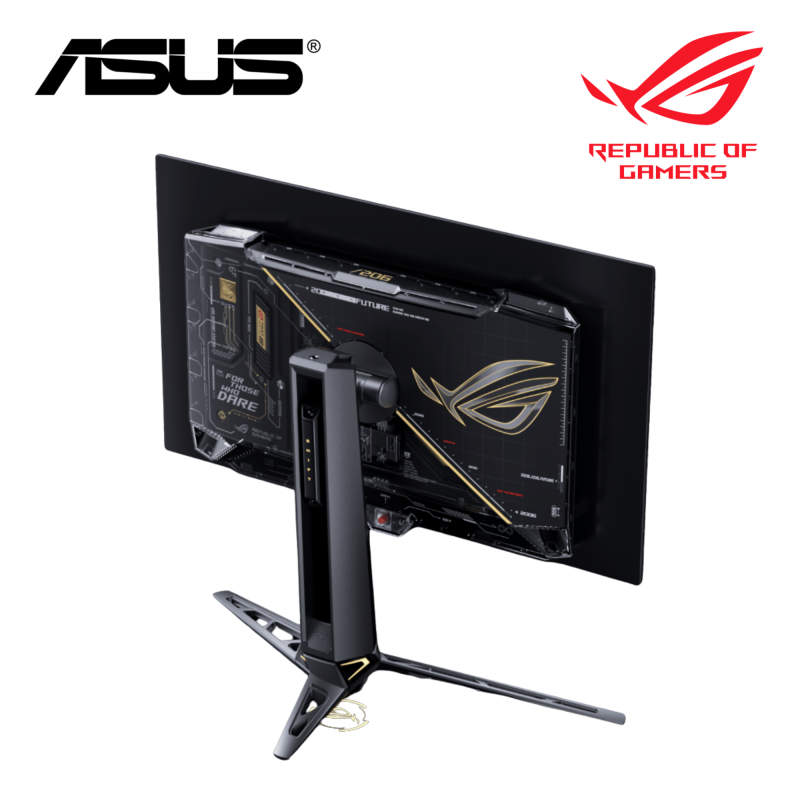
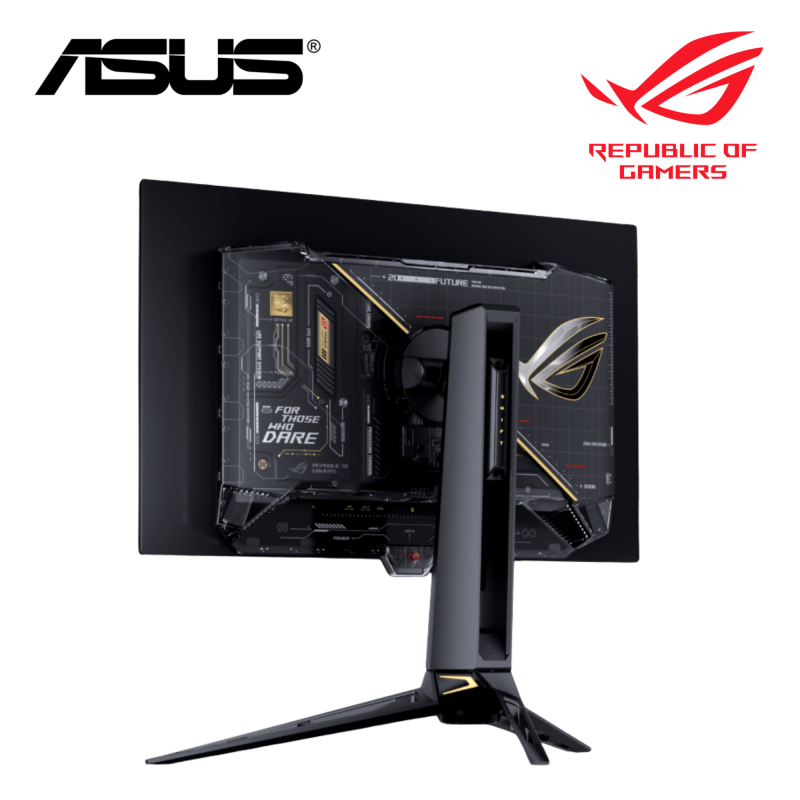
ASUS ROG Swift OLED PG27AQWP-G Edition 20 26.5-inch QHD 540Hz Gaming Monitor
- Regular price
- RM 8,259.00
- Sale price
- RM 8,259.00
- Regular price
-
RM 0.00

Nationwide shipping

Up to 5 Years Warranty

Aftersales & Warranty Support

Instalment With sPaylater or Aeon Credit
Share
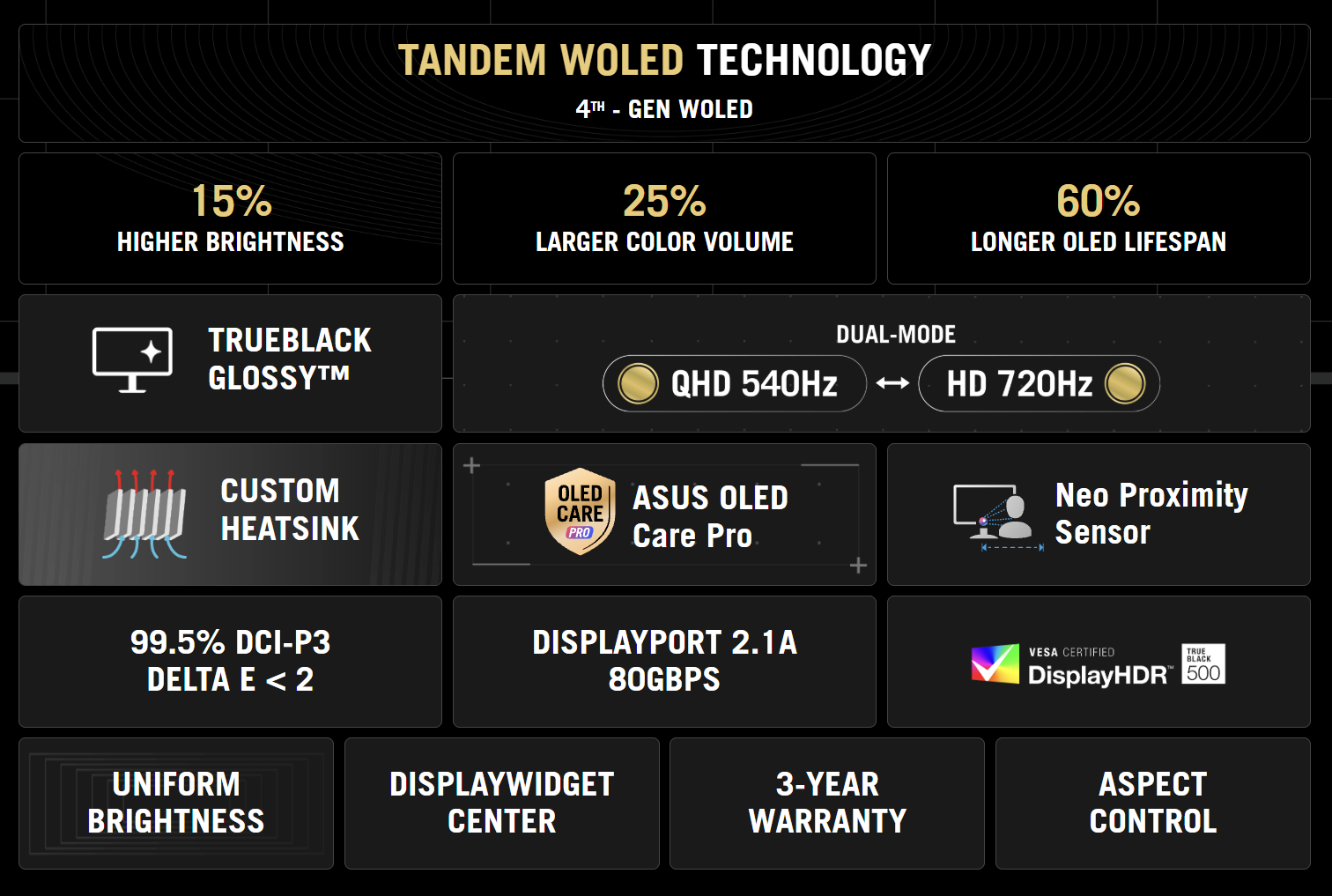
540 Hz QHD and 720 Hz HD modes for competitive gaming
The 26.5-inch Tandem WOLED display runs at up to 540 Hz at 2560 × 1440. Dual Mode switches to 1280 × 720 at up to 720 Hz when refresh rate is the priority.
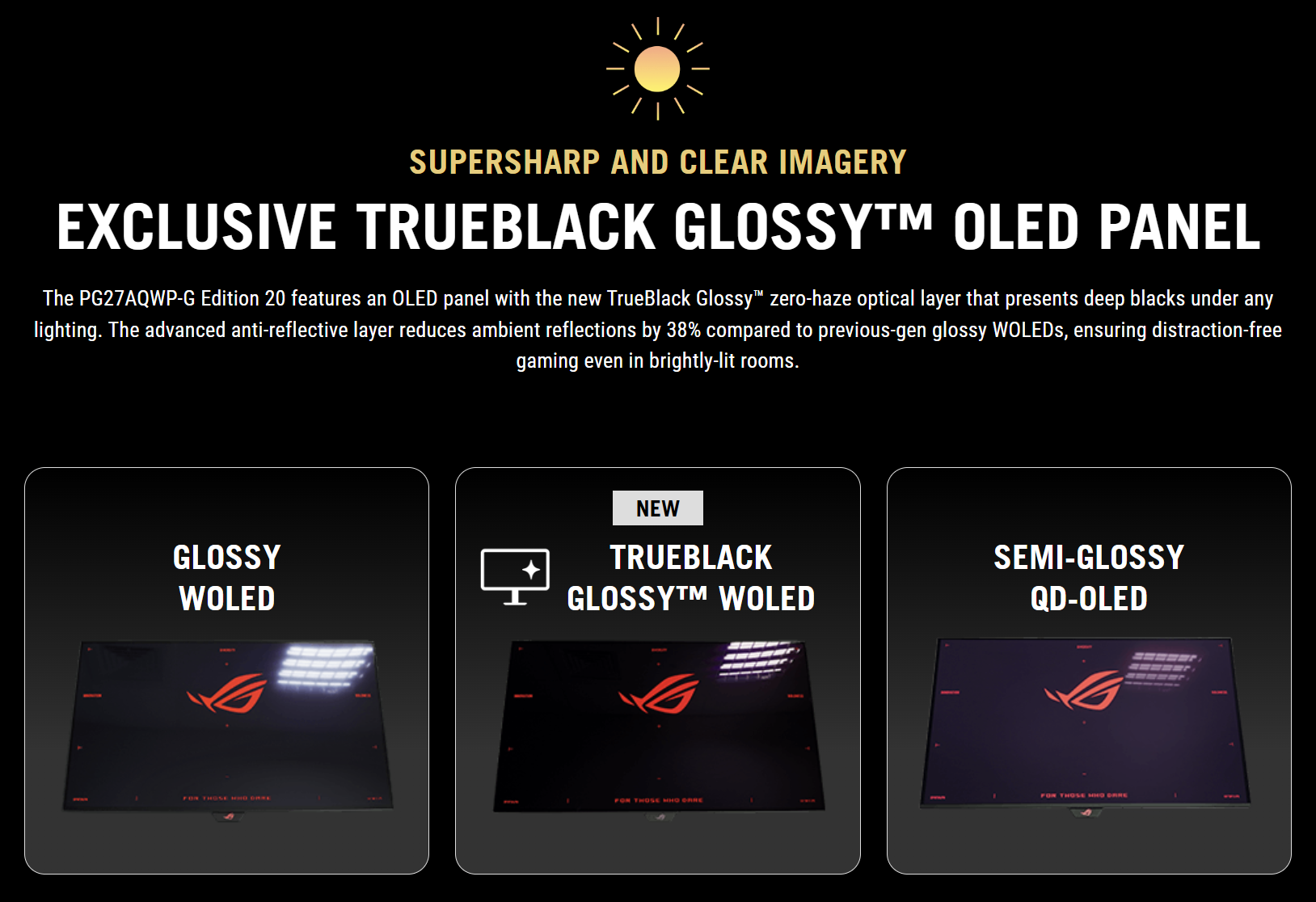
The TrueBlack Glossy finish suits a setup where light reflections can be controlled. Use DisplayPort 2.1 or HDMI 2.1 and check your GPU and game settings for the intended mode.
Best For: Competitive FPS · esports practice · high-frame-rate gaming · QHD gaming · OLED gaming
DETAIL SPECIFICATION
| Product Features | GamePlus:Yes Game Visual:Yes VRR Technology:FreeSync:tm: Premium Pro & G-SYNC® Compatible Extreme Low Motion Blur:Yes DisplayWidget:Yes, DisplayWidget Center GameFast Input technology:Yes Shadow Boost:Yes Aspect Control:Yes A.I. Assistant Technology:AI Visual A.I. Assistant Technology:Dynamic Crosshair A.I. Assistant Technology:Dynamic Shadow Boost A.I. Assistant Technology:AI Crosshair A.I. Assistant Technology:AI Shadow Boost A.I. Assistant Technology:AI Sniper Color Calibration E-report:Yes, via DisplayWidget Center |
|---|---|
| Display Screen / Design / Resolution | Panel Size (inch) : 26.5 Aspect Ratio : 16:9 Color Space (DCI-P3) : 99.5% Color Space (sRGB) : 135% Panel Type : WOLED Panel Technology :Tandem WOLED Resolution : 2560x1440 Display Viewing Area (HxV) : 586.75 x 330.05 mm Display Surface : Glossy (TrueBlack Glossy) Pixel Pitch : 0.229mm Brightness (HDR, Peak) * : 1,500 cd/㎡ Contrast Ratio (Typ.) : 1,500,000:1 Viewing Angle (CR≧10) : 178°/ 178° Response Time : 0.02ms(GTG) Color Accuracy:△E< 2 Display Colors : 1073.7M (10 bit) Flicker free : Yes HDR (High Dynamic Range) Support : HDR10 Refresh Rate (max) : 540Hz Dual Mode:Yes, Frame Rate Boost ASUS OLED Care :Yes |
| Network / Connectivity Technology | DP:30KHz to 850KHz(H)/48Hz to 540Hz(V) HDMI:30KHz to 850KHz(H)/48Hz to 540Hz(V) |
| Interface | DisplayPort 2.1x 1 HDMI (v2.1)x 2 (FRL) Earphone jack : Yes USB Hub : 3x USB 3.2 Gen 1 Type-A |
| Functions | 1/4" Tripod Socket : Yes Tilt : Yes (+20° ~ -5°) Swivel : Yes (+30° ~ -30°) Pivot : Yes (+90° ~ -90°) Height Adjustment : 0~110mm VESA Wall Mounting : 100x100mm Lighting effect (Aura) : Aura Sync Kensington Lock : Yes |
| Dimensions | Phys. Dimension with stand (W x H x D) : 60.56 x 54.78 x 27.35 cm (23.84" x 21.57" x 10.77") Phys. Dimension without Stand (W x H x D) : 60.56 x 36.94 x 6.31 cm (23.84" x 14.54" x 2.48") Box Dimension (W x H x D) : 89.60 x 49.00 x 18.80 cm Phys. Dimension with stand (W x H x D) : 60.56 x 54.79 x 27.35 cm (23.84" x 21.57" x 10.77") Box Dimension (W x H x D) : 89.60 x 49.00 x 18.80 cm (35.28" x 19.29" x 7.40") |
| Weight | Net Weight with Stand : 7.04 kg (15.52 lbs) Net Weight without Stand : 4.54 kg (10.01 lbs) Gross Weight : 11.6 kg (25.57 lbs) |
| Remark | 3 Years Asus Warranty |
TECHNICAL FEATURES
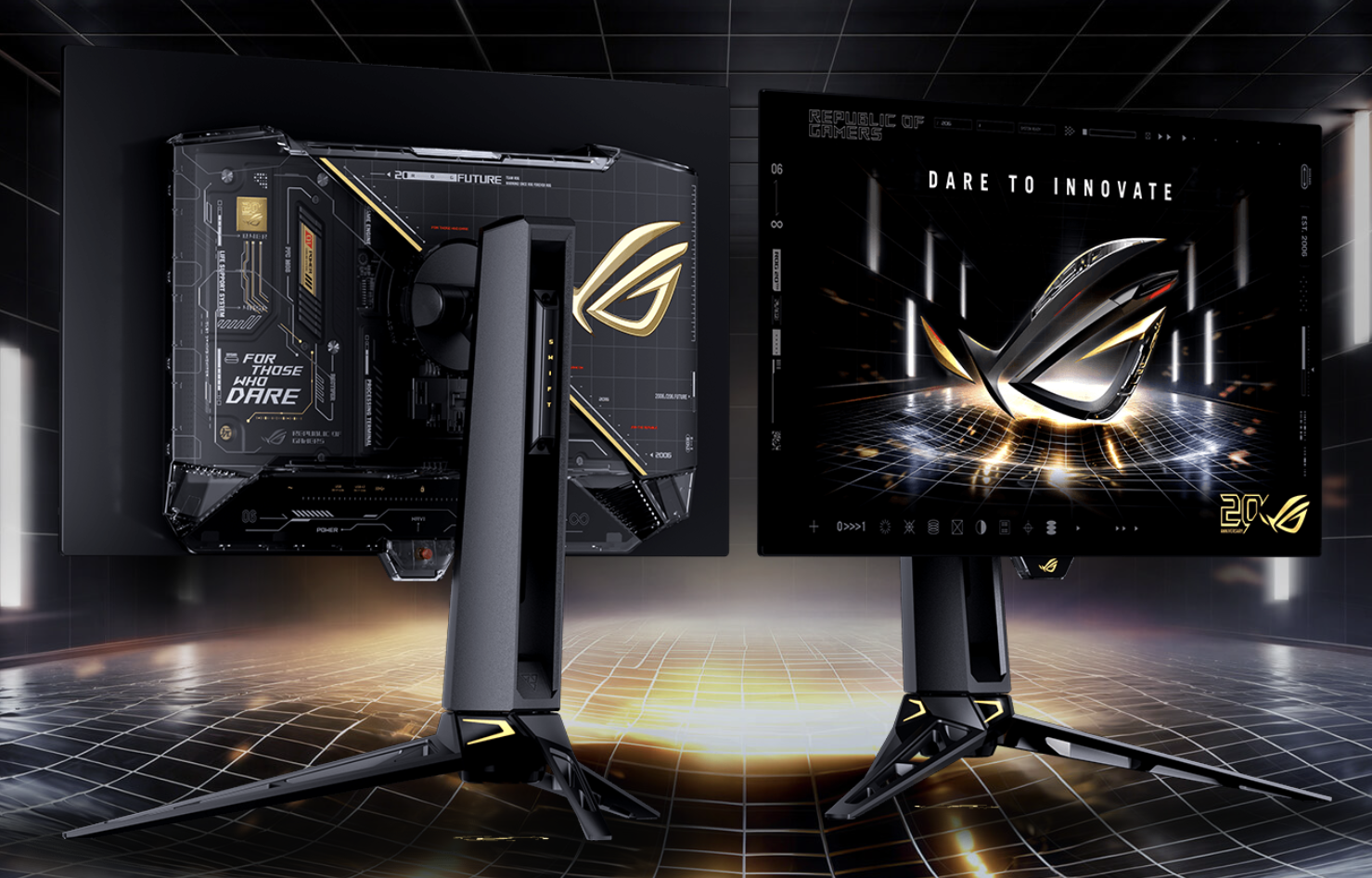
Technical Conclusion
- Display & Panel: WOLED is the specified panel technology. Use the stated brightness and panel details to assess placement and lighting.
- Resolution: The 2560x1440 display determines the amount of workspace available at a given scaling setting.
- Refresh Rate & Response: The specification lists 540Hz. Check the full input and operating-mode details before selecting settings.
- Connectivity: Match the monitor inputs in the table to the outputs on your computer or dock.
- Mounting / Ergonomics: Use the listed adjustment or mounting features to plan your desk and viewing position.
- Overall Positioning: A desktop display for gaming and everyday PC use. It is well suited to PC gaming and gaming libraries.
Suitable For
- PC gaming: Choose this display when this is the main use at your workstation.
- Gaming libraries: Keep this work in view while using your main apps and controls.
- Desktop media: Match the screen size and supported connections to the space and equipment you use.
- Everyday browsing: Use the stated display and setup features to plan a comfortable working position.
Customer Reviews
0 / 5
Total 0 Ratings