


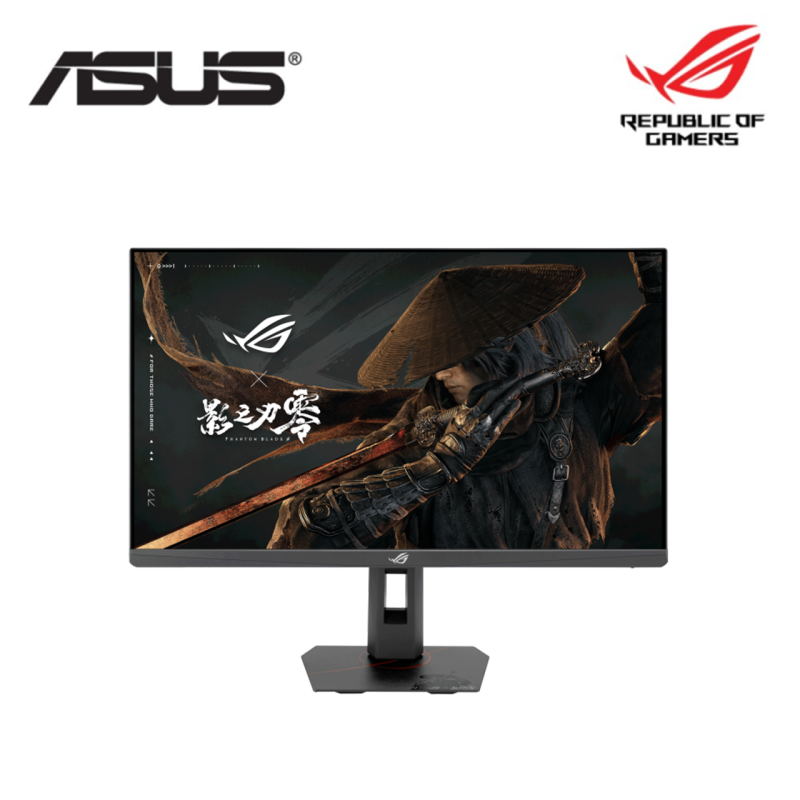
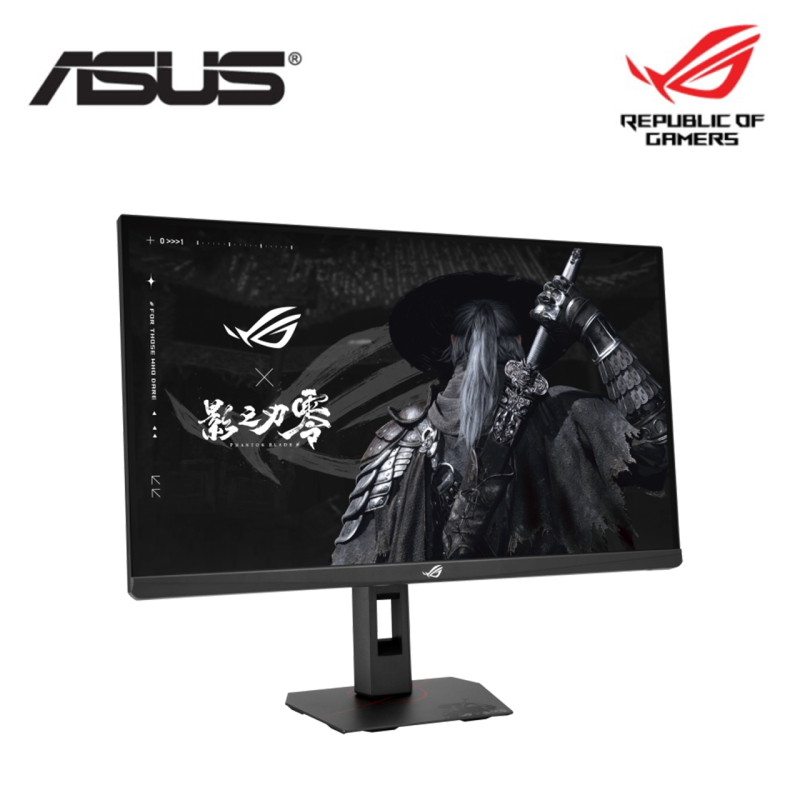
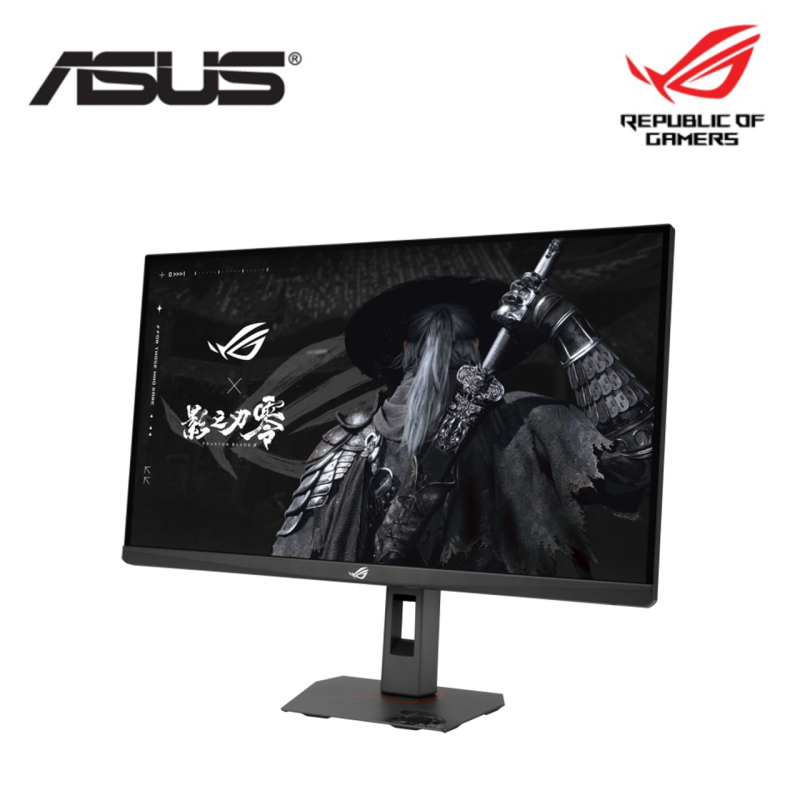
ASUS ROG Strix XG27UCGR-G Phantom Blade Zero Edition 27" 4K Fast IPS Monitor
- Regular price
- RM 3,159.00
- Sale price
- RM 3,159.00
- Regular price
-
RM 0.00

Nationwide shipping

Up to 5 Years Warranty

Aftersales & Warranty Support

Instalment With sPaylater or Aeon Credit
Share
A dual-mode Fast IPS display for 4K and high-refresh gaming
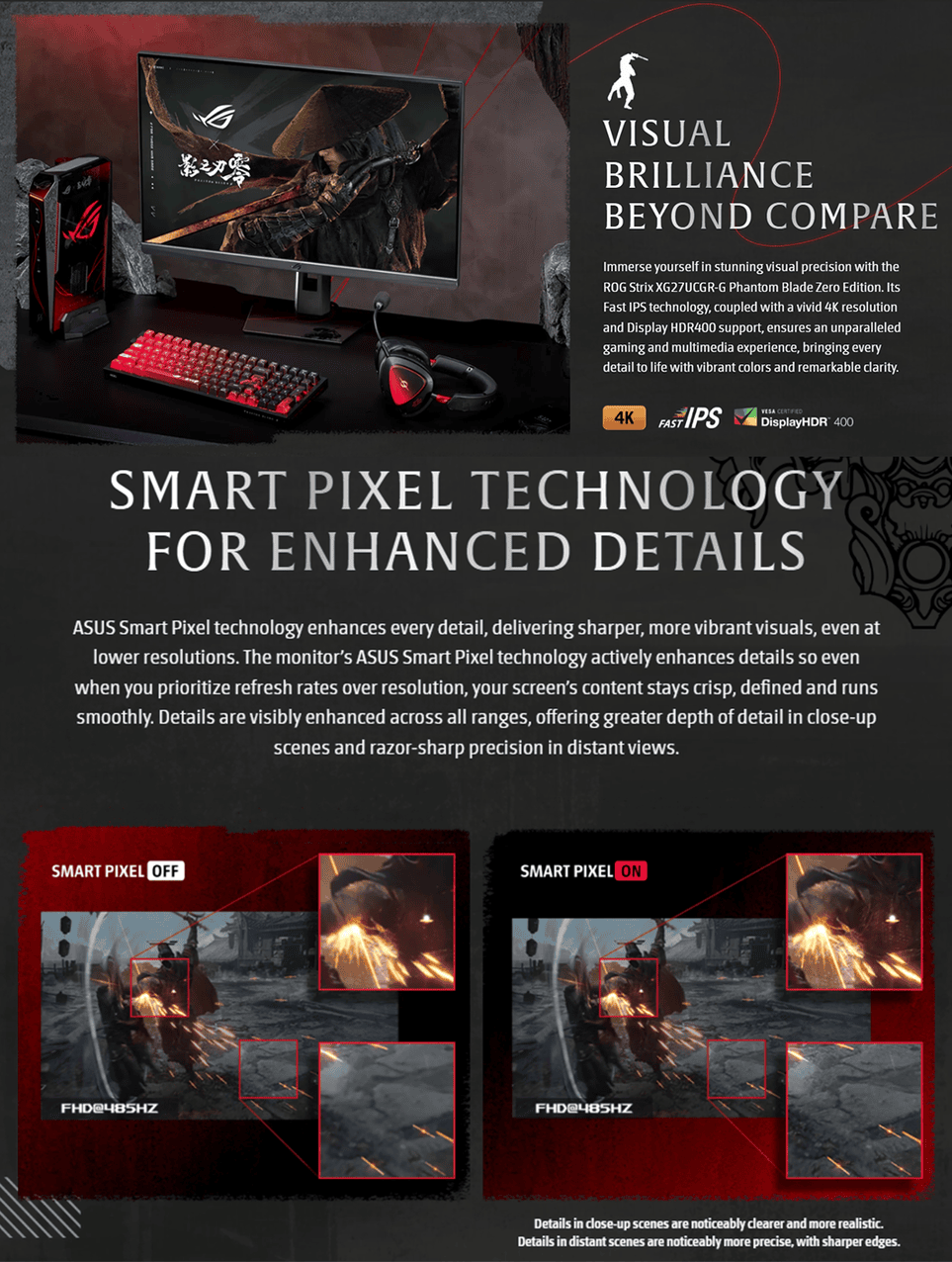
The ASUS ROG Strix XG27UCGR-G Phantom Blade Zero Edition pairs a 27-inch Fast IPS panel with two display modes. Use the UHD mode for 3840 × 2160 detail or select FHD mode for its higher refresh ceiling.
The supplier Data Sheet specifies up to 162Hz in UHD and up to 485Hz in FHD. Check the graphics hardware and connection needed for the mode you plan to use.
Best For: 4K PC gaming · high-refresh FHD gaming · mixed desktop gaming · adjustable gaming desks · DisplayPort and HDMI setups
DETAIL SPECIFICATION
| Product Features | GameVisual : Yes Color Temp. Selection : Yes (8 modes) Color Adjustment : 6-axis adjustment (R,G,B,C,M,Y) Gamma Adjustment : Yes (Support Gamma 1.8/2.0/2.2/2.4/2.6) GamePlus : Yes HDCP : Yes, 2.2 Extreme Low Motion Blur : Yes ELMB Sync: Yes VRR Technology : Yes (Adaptive-Sync) GameFast Input technology : Yes Shadow Boost : Yes DisplayWidget : Yes, DisplayWidget Center Low Blue Light : Yes ASUS Power Sync : Yes A.I. Assistant Technology : AI Visual A.I. Assistant Technology : Dynamic Crosshair A.I. Assistant Technology : Dynamic Shadow Boost |
|---|---|
| Display Screen / Design / Resolution | Panel Size (inch) : 27 Aspect Ratio : 16:9 Display Viewing Area (H x V) : 596.16 (H) x 335.34 (V) Display Surface : Anti-Glare Backlight Type : LED Panel Type : Fast IPS Viewing Angle (CR≧10, H/V) : 178°/ 178° Pixel Pitch : 0.155mm Resolution : 3840x2160 Color Space (sRGB) : 130% Color Space (DCI-P3) : 95% Brightness (HDR, Peak) : 400 cd/㎡ Brightness (Typ.) : 400cd/㎡ Contrast Ratio (HDR, Max) : 100,000,000:1 Contrast Ratio (Typ.) : 1300:1 Display Colors : 1073.7M (10 bit) Response Time : 1ms(GTG), 0.3ms(min.) Refresh Rate (Max) : 162Hz Dual Mode : Yes HDR (High Dynamic Range) Support : HDR10 Flicker-free : Yes |
| Audio & Video | Speaker : No |
| Interface | USB-C x 1 (DP Alt Mode) DisplayPort 1.4 x 1 (HBR3) HDMI(v2.1) x 1 (FRL) Earphone Jack : Yes USB-C Power Delivery : 15W |
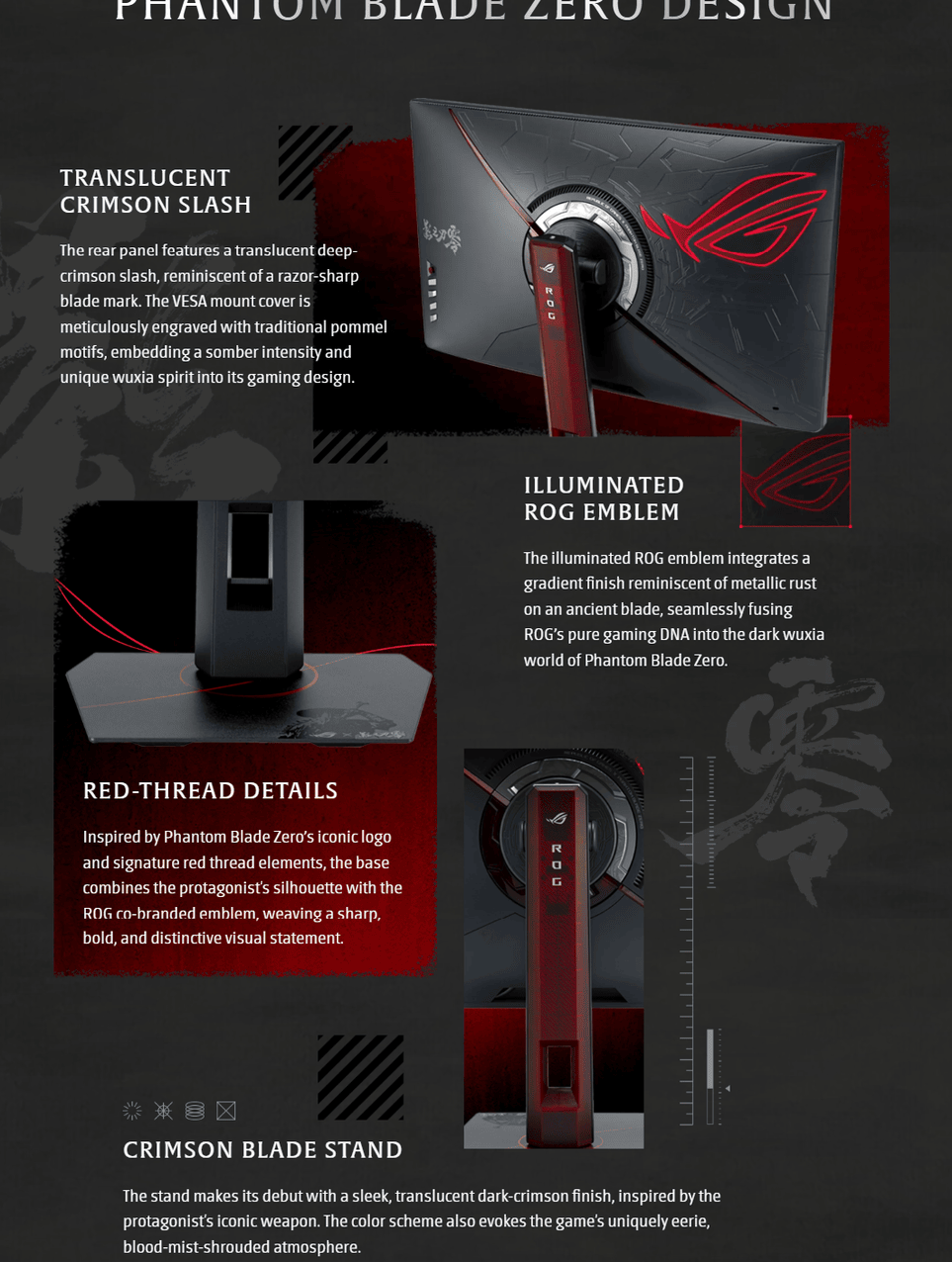
| Functions | Tilt : Yes (+20° ~ -5°) Swivel : Yes (+40° ~ -40°) Pivot : Yes (+90° ~ -90°) Height Adjustment : 0~110mm Lighting effect : Aura Sync VESA Wall Mounting : 100x100mm Kensington Lock : Yes 1/4" Tripod Socket : Yes |
| Battery / Power Supply | Power Consumption : < 30W Power Saving Mode : < 0.5 W Power Off Mode : <0.3W Voltage : 100-240V, 50/60Hz |
| Dimensions | Phys. Dimension (W x H x D) : 61.4 x 50.3 x 18.8 cm Phys. Dimension without Stand (W x H x D) : 61.4 x 36.7 x 8.6 cm Box Dimension (W x H x D) : 72.2 x 47.6 x 22.7 cm |
| Weight | Net Weight : 6.8 kg Net Weight without Stand : 4.7 kg Gross Weight : 9.9 kg |
| Remark | 3 Years Asus Warranty |
| Technology | TÜV Flicker-free TÜV Low Blue Light VESA AdaptiveSync Display 162Hz VESA AdaptiveSync Display 485Hz VESA DisplayHDR 400 AMD FreeSync Premium G-SYNC Compatible FSC MIX |
| Refresh Rate | UHD Mode : HDMI : 27kHz ~ 255kHz (H) / 48~162Hz (V) USB-C, DisplayPort : 510kHz ~ 510kHz (H) / 48~162Hz (V) FHD Mode : HDMI : 27kHz ~ 255kHz (H) / 48~485Hz (V) USB-C, DisplayPort : 510kHz ~ 510kHz (H) / 48~485Hz (V) |
TECHNICAL FEATURES
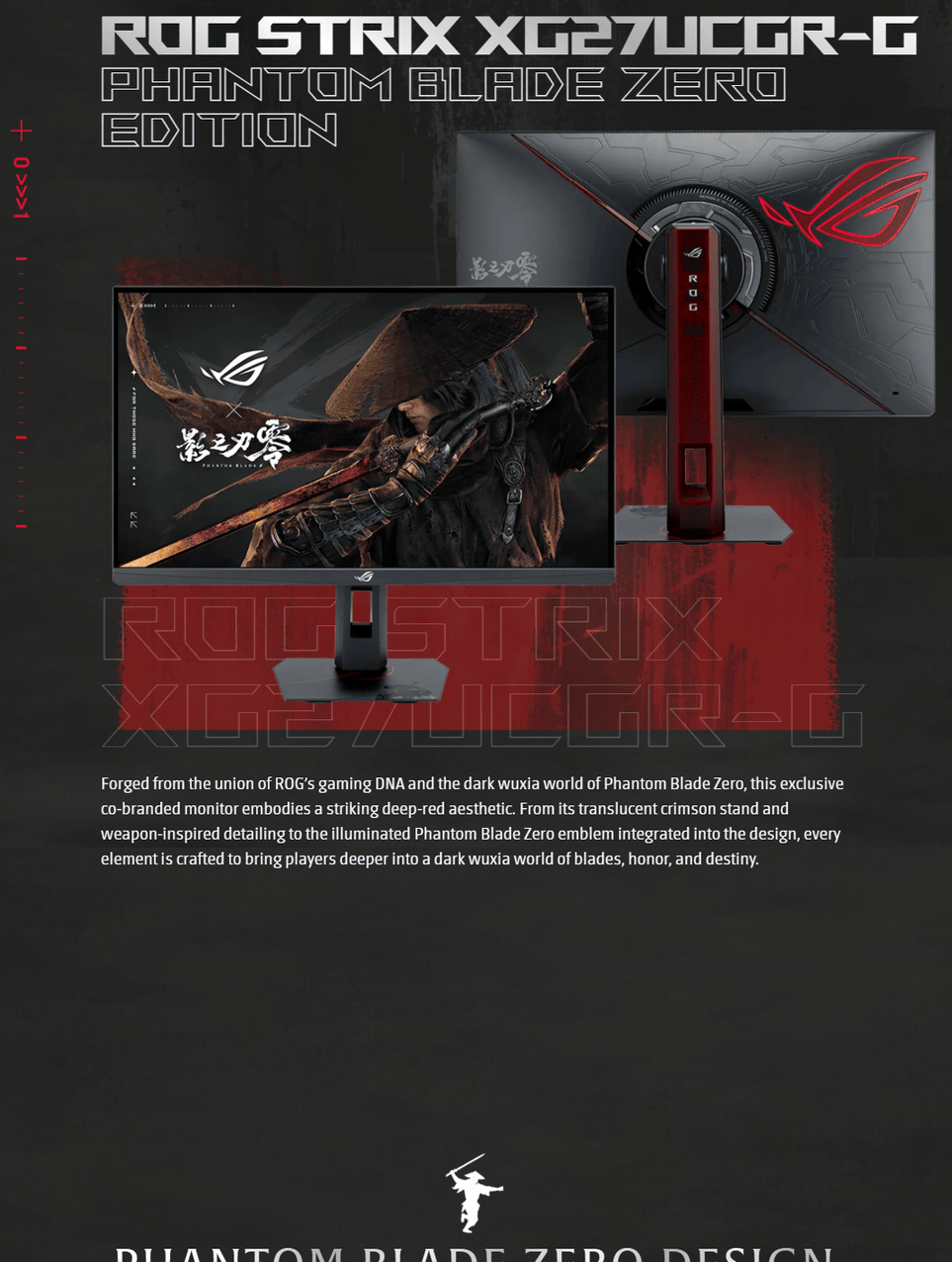
Technical Conclusion
- Display & Panel: The 27-inch Fast IPS screen has an anti-glare surface for flexibility in desktop placement.
- Resolution: UHD mode offers 3840 × 2160 detail. FHD mode trades resolution for a higher refresh ceiling.
- Refresh Rate & Response: The listed maxima are 162Hz in UHD and 485Hz in FHD, with a 1ms GTG response specification.
- Connectivity: DisplayPort, HDMI and video-capable USB-C support multiple source options.
- Mounting / Ergonomics: Tilt, swivel, pivot, height adjustment and a 100 × 100mm VESA pattern support different layouts.
- Overall Positioning: A dual-mode option for players who alternate between UHD detail and high-refresh FHD.
Suitable For
- 4K PC players: Use UHD mode when image detail matters more than the higher FHD refresh ceiling.
- High-refresh players: Switch to the FHD mode when your hardware can support the intended refresh rate.
- Mixed-use gamers: Move between gaming modes and everyday desktop work.
- Adjustable desk users: Set the viewing position using the listed stand or VESA options.
Customer Reviews
0 / 5
Total 0 Ratings