


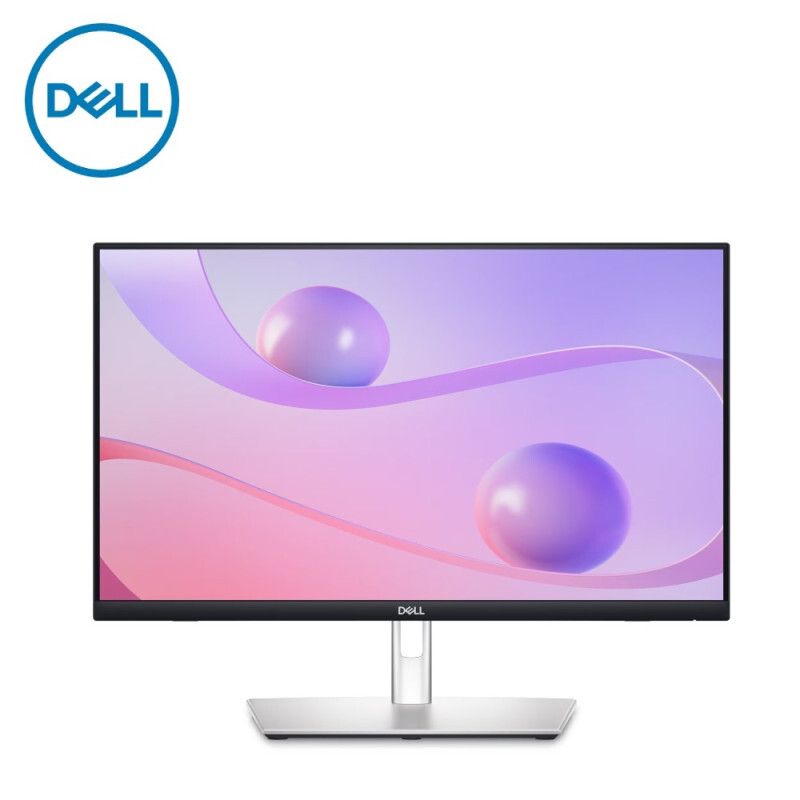
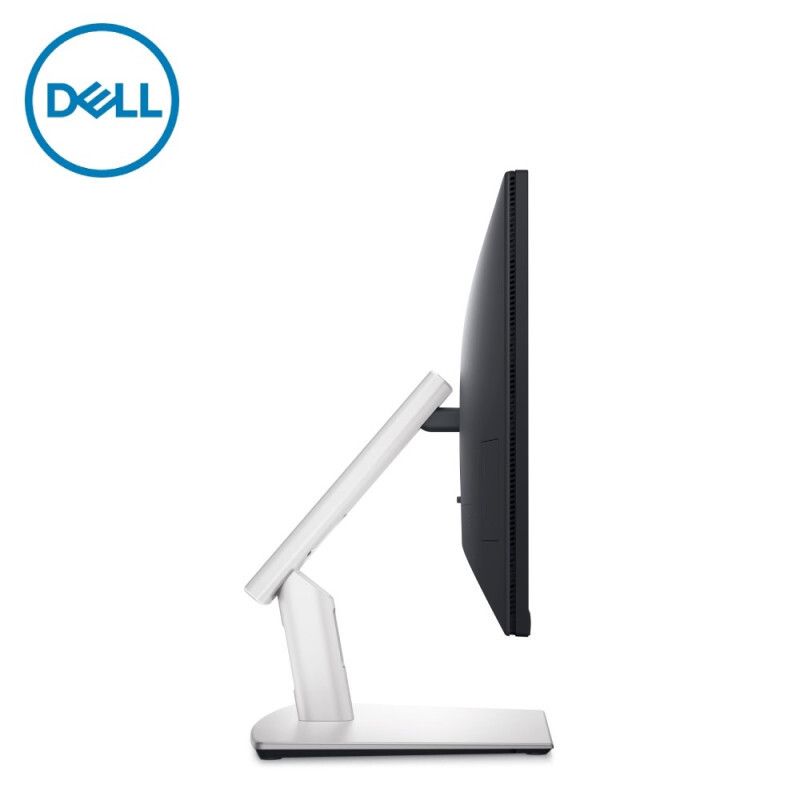
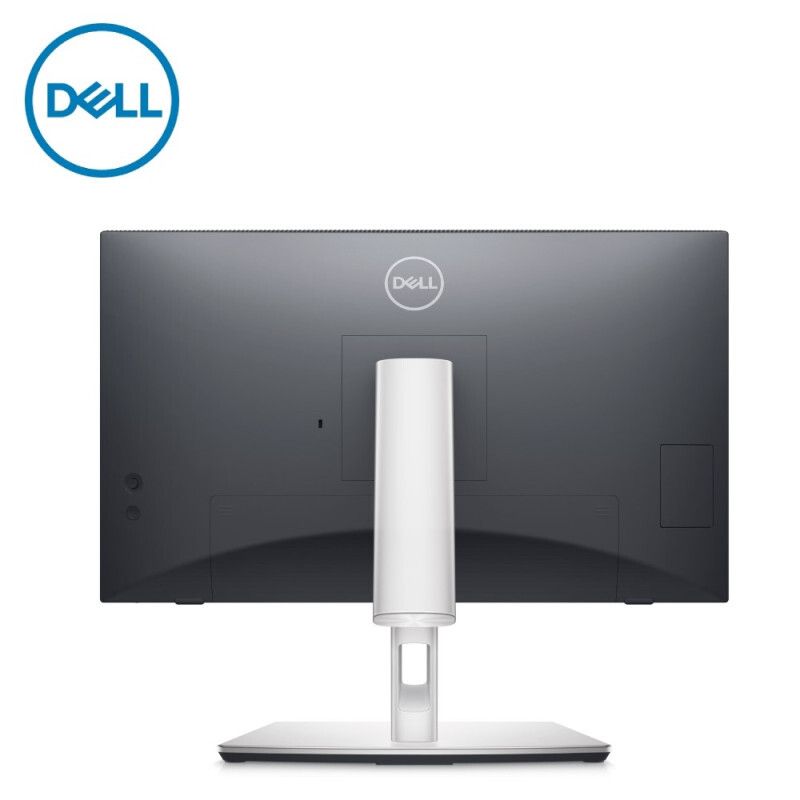
Dell P2424HT 23.8" Full HD IPS Touch Monitor
- Regular price
- RM 1,449.00
- Sale price
- RM 1,449.00
- Regular price
-
RM 0.00

Nationwide shipping

Up to 5 Years Warranty

Aftersales & Warranty Support

Instalment With sPaylater or Aeon Credit
Share
An IPS touchscreen for direct desktop interaction
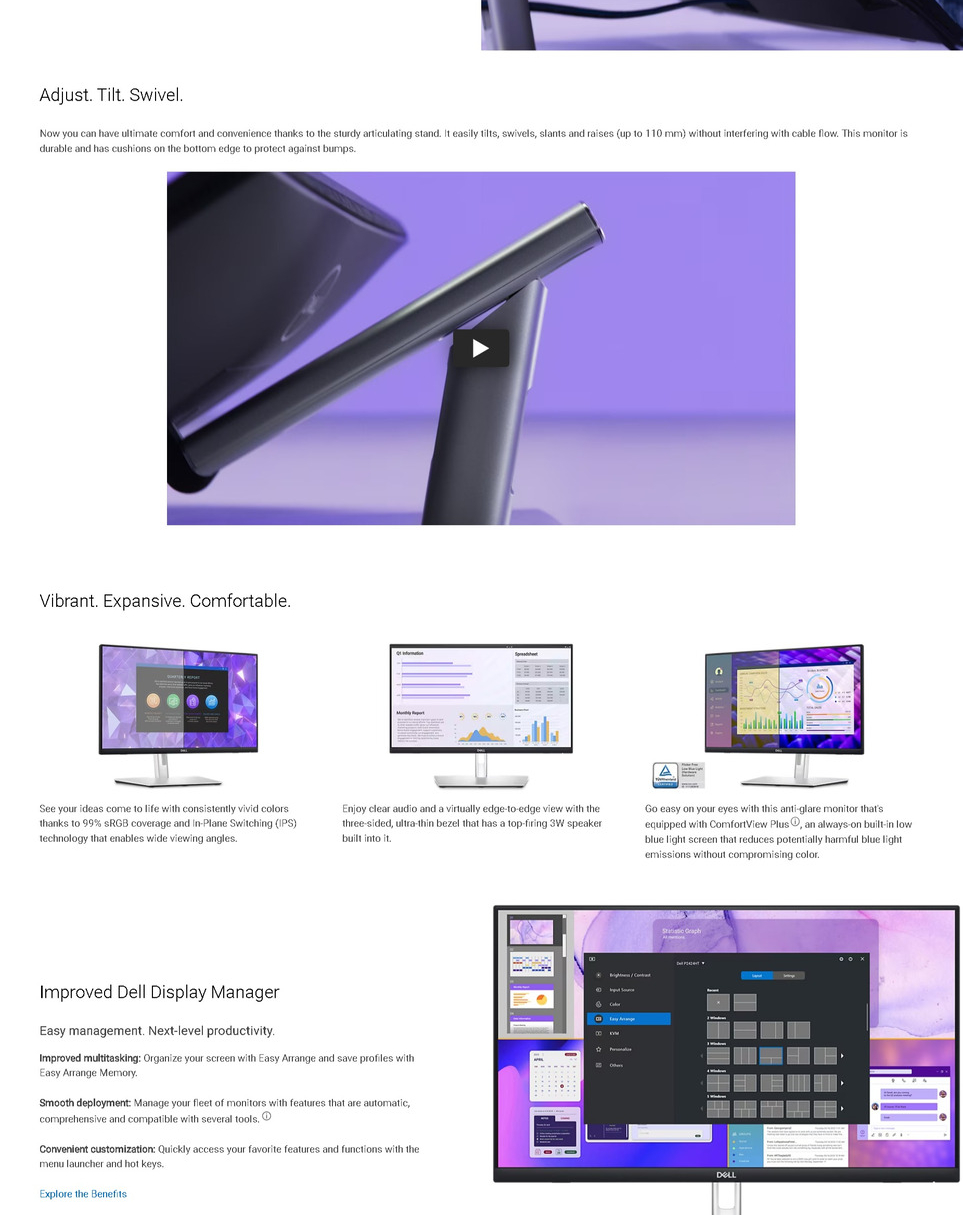
The Dell P2424HT combines a 23.8-inch Full HD IPS screen with touch input for direct work with compatible apps. It suits counters, shared spaces and desks where users interact with the display.
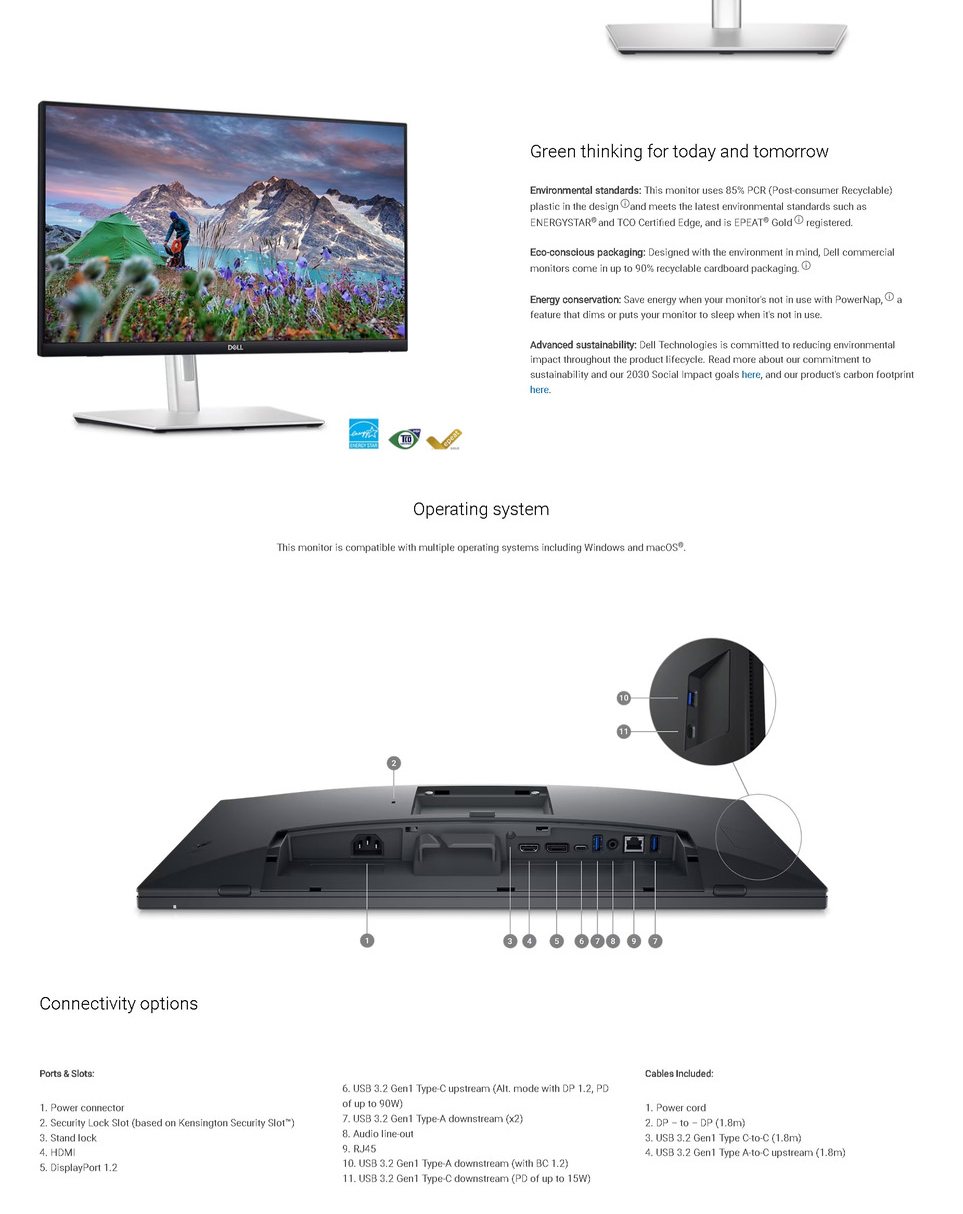
Connect with USB-C, HDMI or DisplayPort. The USB-C connection supports up to 90W power to a compatible device, and the stand supports height adjustment.
Best For: touch workflows · front-desk work · shared workstations · document review · USB-C desks
DETAIL SPECIFICATION
| Display Screen / Design / Resolution | 23.8" Full HD 1920 x 1080 @ 60Hz, IPS, LED backlight, Anti-glare TOUCH |
|---|---|
| Interface | 1x HDMI (HDCP 1.4) DisplayPort 1.2 (HDCP 1.4) 1x USB-C 3.2 Gen 1 (power up to 90W) 2 x USB 3.2 Gen 1 downstream 1x USB-C 3.2 Gen 1 downstream (power up to 15W) 1x USB 3.2 Gen 1 downstream with Battery Charging 1.2 (power up to 10W) 1x Audio line-out |
| Functions | VESA 100 x 100 mm, Height Adjustable |
| Dimensions | 320.98 mm x 538.80 mm x 248.87 mm |
| Weight | 7.86 kg |
| Remark | 3 Years Warranty By Dell Malaysia |
| Brightness | 300 cd/m² |
| Response Time | 5 ms (Fast), 8ms (Normal) GTG |
| Refresh Rate | 60Hz |
| Contrast Ratio | 1000:1 (typical) |
TECHNICAL FEATURES
Technical Conclusion
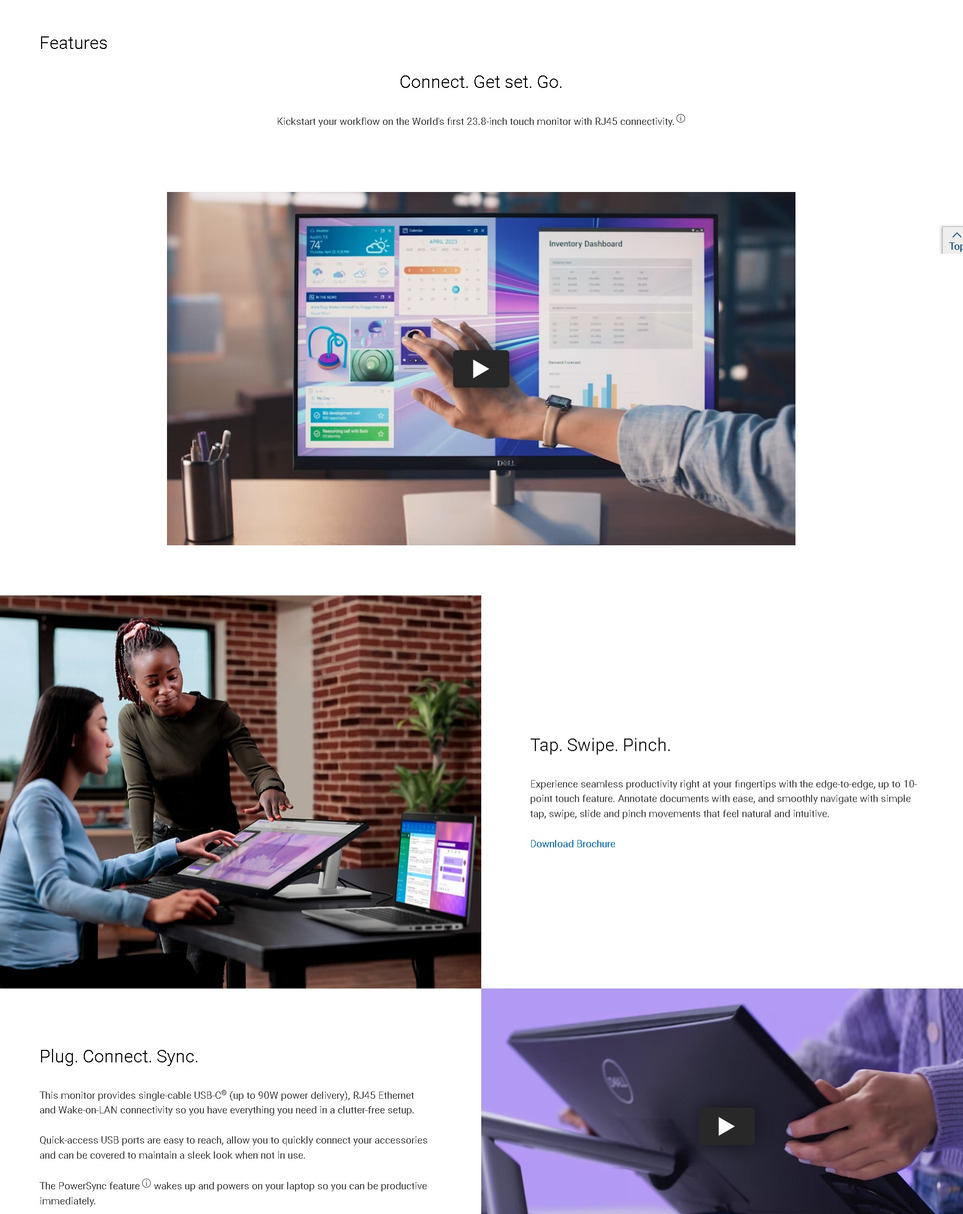
- Display & Panel: The IPS touchscreen supports direct interaction with compatible systems and software.
- Resolution: Full HD gives desktop forms, documents and interfaces a conventional working resolution.
- Refresh Rate & Response: The display runs at 60Hz, with Fast and Normal GTG response settings listed separately.
- Connectivity: USB-C supports up to 90W for a compatible device, alongside HDMI, DisplayPort and downstream USB connections.
- Mounting / Ergonomics: Height adjustment and 100 × 100mm VESA support help plan a setup around touch access.
- Overall Positioning: A productivity screen for desks that benefit from touch and downstream USB connections.
Suitable For
- Front-desk users: Use direct touch in a compatible visitor or check-in interface.
- Shared desks: Give users a touch-enabled display for routine forms.
- Document reviewers: Navigate compatible documents and interface controls on the screen.
- USB-C notebook users: Check video, touch and power compatibility for your notebook setup.
Customer Reviews
0 / 5
Total 0 Ratings